Choose analytics that work from camera to recorder.
This guide translates Luminys feature names into practical shopping decisions, then helps screen preliminary recorder options in Plan a System. Compatibility still requires the exact model, channel count and operating mode.
Open a feature for buying guidance, limitations, and natural-language searches. Product pages and manufacturer PDFs remain the controlling source for each model.
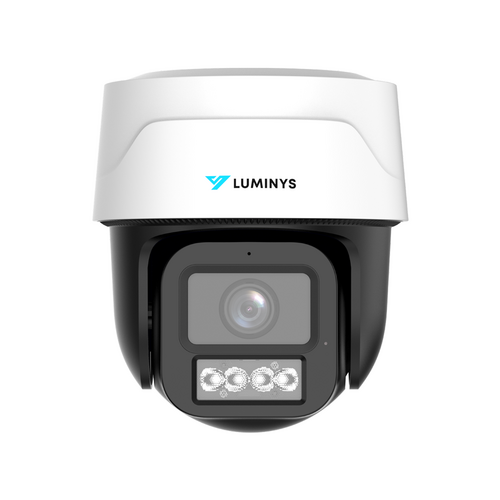
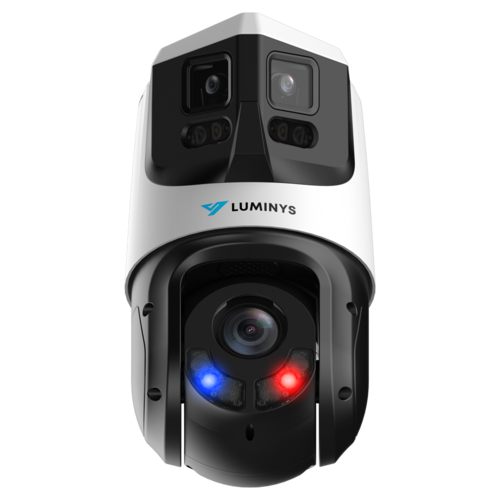
Tracking varies by model: PTZ models can move to follow supported targets, while LumiTracking-E uses electronic tracking within a fixed image. Some models track people only; check the model's target types.
11 active camera models explicitly document this featureBuying guidance
Best for: Projects that specifically call for this documented analytic.
Before ordering: Confirm the selected camera, recorder family, firmware, mode, and channel limits.
Examples below summarize documented workflows, not every model or simultaneous mode. “Documented” refers to the example model; “Review” means this summary does not verify support. Confirm the exact model, camera pairing and channel limits.
Capability
R3 R32-16PA
R4 R42-8PA
R5 R54-32NA
R6 R68-XNA
Camera-side analytics
Selected workflows
Selected workflows
Selected workflows
Selected workflows
Recorder-side analytics
Review
Documented
Documented
Documented
iMD
Documented
Documented
Documented
Documented
VCA
Documented
Documented
Documented
Documented
LumiSearch+
Review
Review
Documented
Review
LumiAnalytics
Review
Review
Review
Review
Face detection
Documented
Documented
Review
Documented
Face recognition
Review
Documented
Documented
Documented
LPR
Documented
Documented
Documented
Documented
Metadata
Review
Review
Documented
Documented
R5 LumiSearch mode
Luminys documentation notes that enabling LumiSearch on R5 disables recorder-side face detection, face recognition, VCA, iMD, and fisheye dewarping in that mode. The system builder surfaces mode-review notes for affected plans.
People Counting mode
Luminys documentation notes that camera-side People Counting and VCA are mutually exclusive on a channel. Final programming should choose the event type the location needs most.
LPR is scene-specific
Plate recognition requires an LPR camera plus suitable distance, angle, speed, and lighting. A general-purpose high-resolution camera is not automatically an LPR camera.
SMD is a common industry phrase for smart motion detection. Luminys product records use iMD, or Intelligent Motion Detection, for human and vehicle classification. Elite search accepts either phrase and returns the Luminys models documented with iMD.
Does every Luminys camera support every AI feature?
No. Analytics vary by model and series. The product page and manufacturer PDF are the controlling sources for a specific camera.
Which Luminys recorders support LumiSearch?
Luminys documents LumiSearch workflows on compatible R5 Mainstream and R6 Extreme NVRs when paired with LumiSearch-enabled cameras. Exact modes and channel limits depend on the recorder datasheet.
Are LumiSearch and face recognition the same?
No. Luminys describes LumiSearch as privacy-oriented reference-image matching without preregistration or facial recognition. Face recognition uses a configured face library on supported recorder workflows.
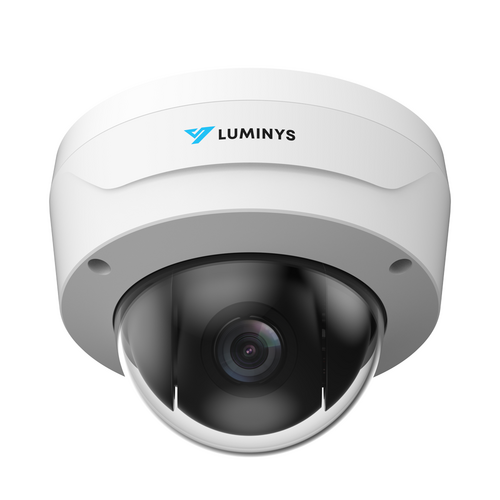
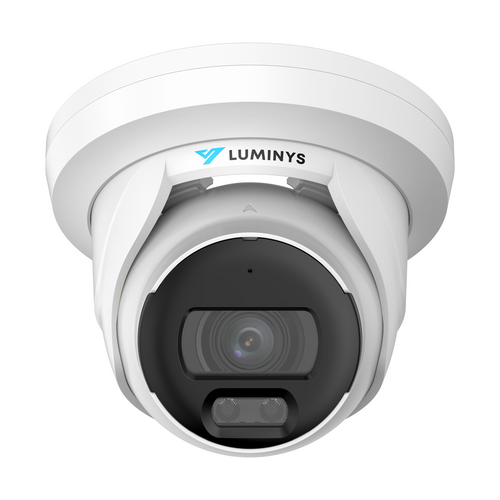
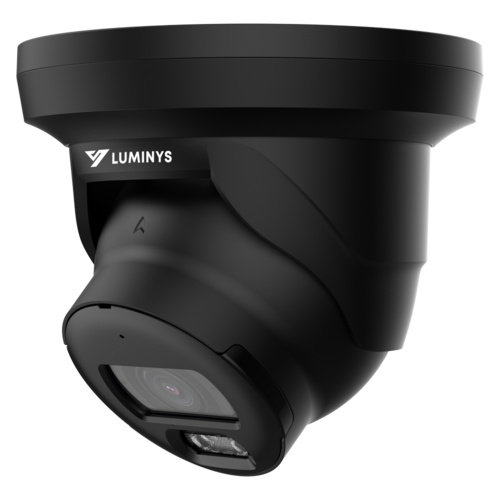
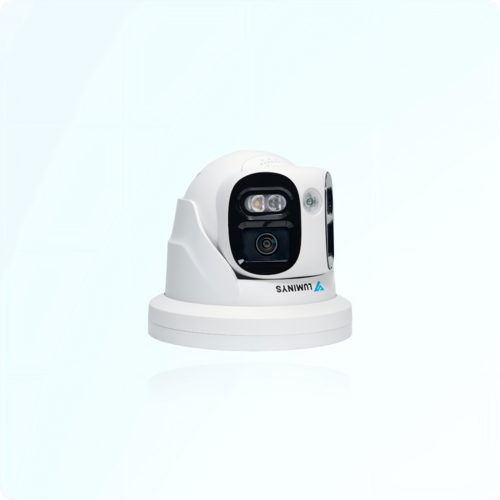 Example: N5P-12DB2iMD
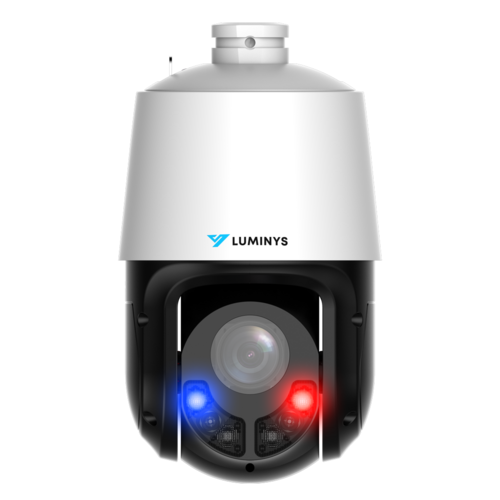 Example: P54-4DB25
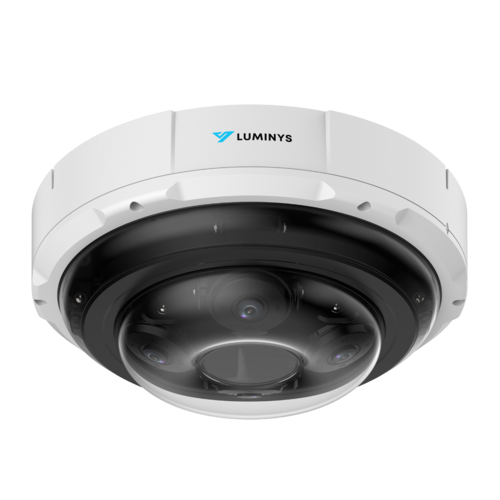 Example: N9P-20RAV
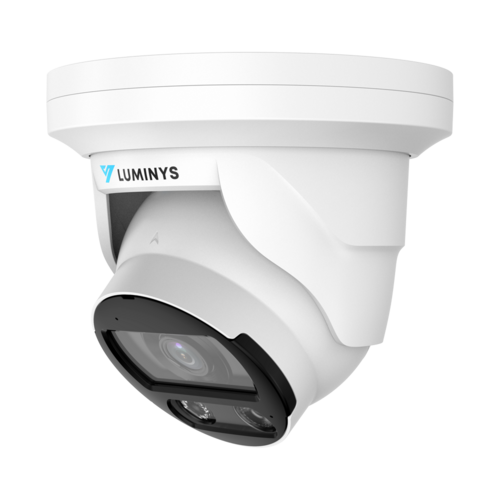 Example: N5T-12LA2
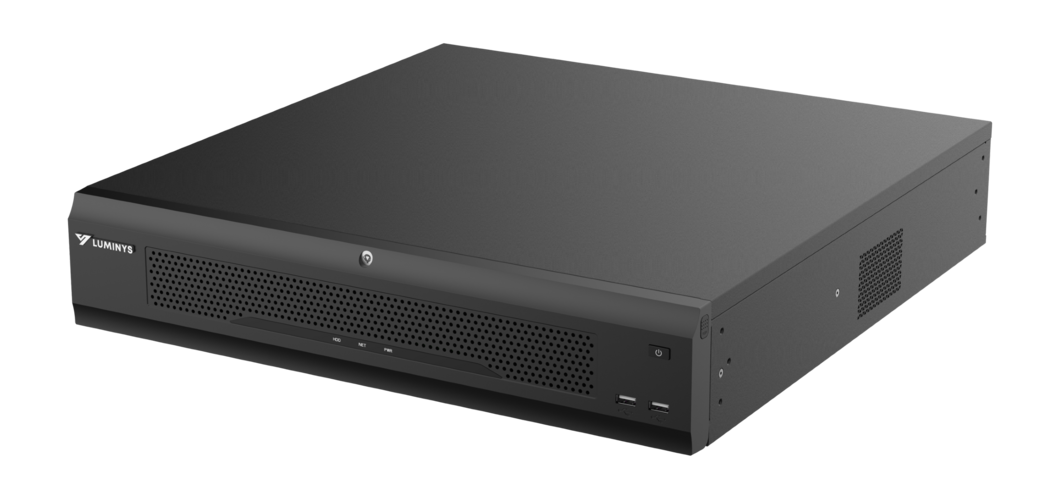 Example: R68-XNA
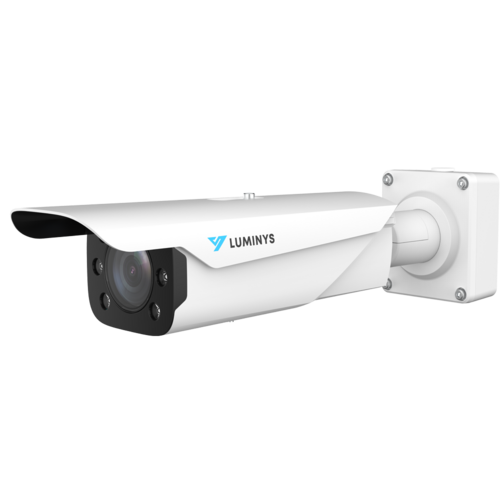 Example: N9L-4RAL
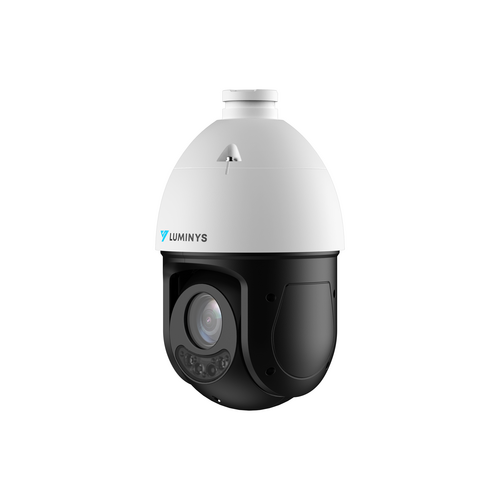
 Example: P45-8RA25
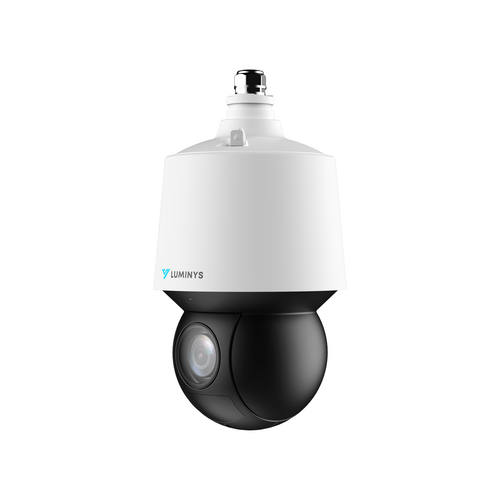
 Example: P54-4SA25