Protect the points where loss occurs
Begin with faces at entrances, transactions at the counter, inventory movement, rear doors, loading areas, and vehicle approaches. Wide overview cameras alone rarely provide every needed detail.
Turn each business risk into a named camera view. A useful schedule distinguishes context views from tighter identification views and makes it easier to choose the correct housing, lens, resolution, and night-imaging capability.
Choose a practical starting configuration
A focused office or small shop may begin with four to eight cameras. Retail, restaurant, warehouse, or multi-entrance properties often need eight to sixteen or more. Count the views required to answer operating and incident questions, then leave recorder channels for realistic growth.
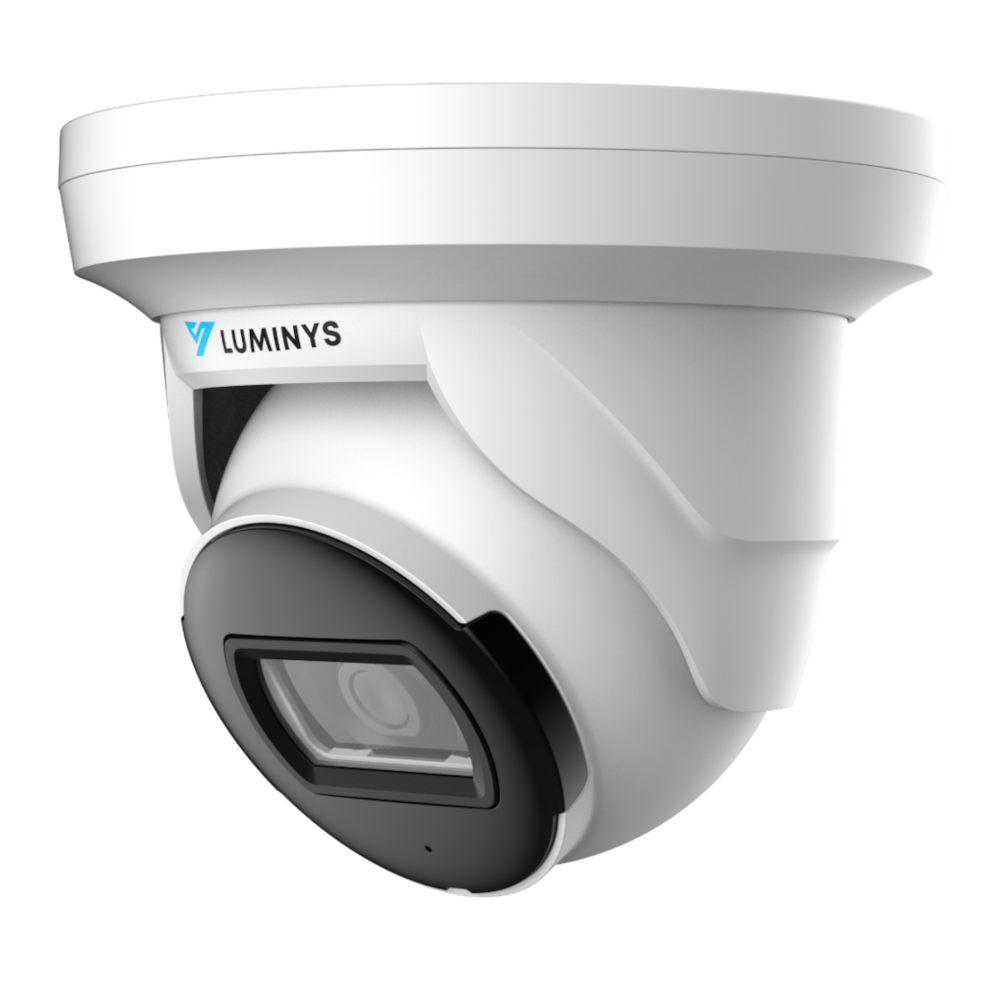
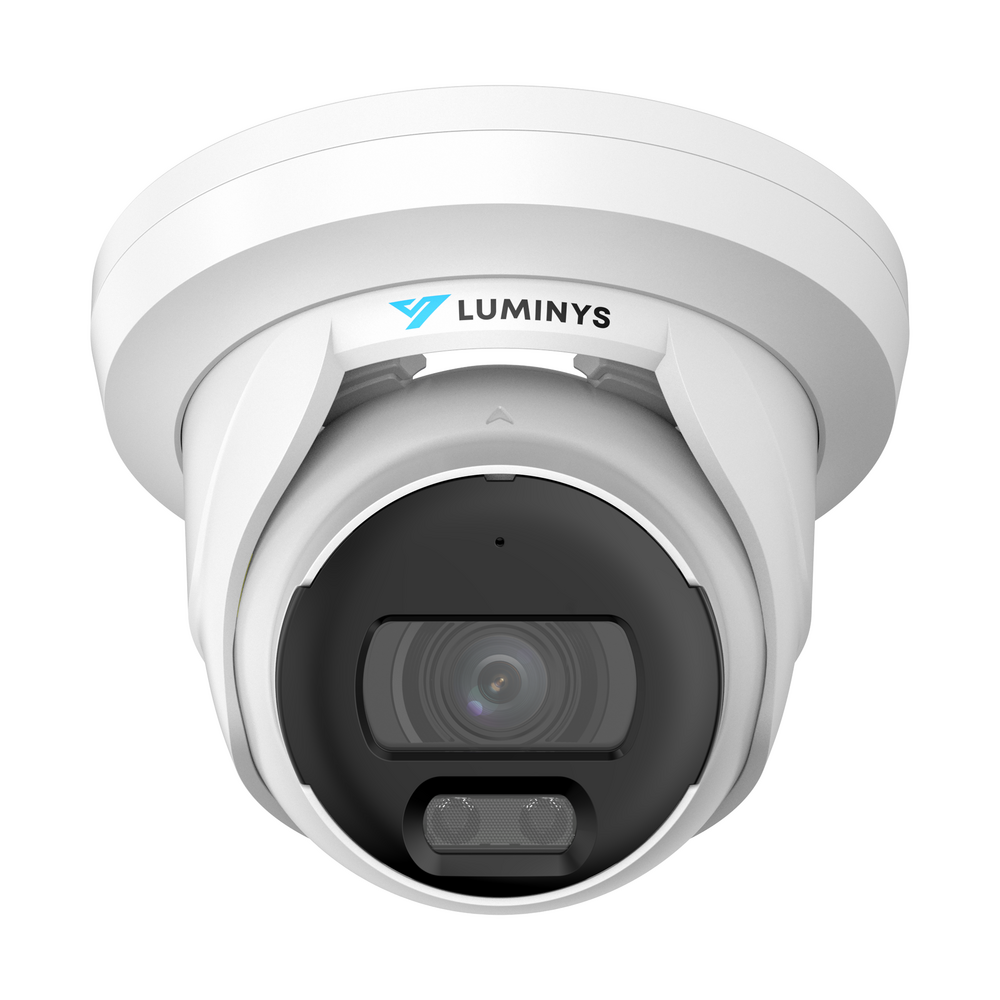
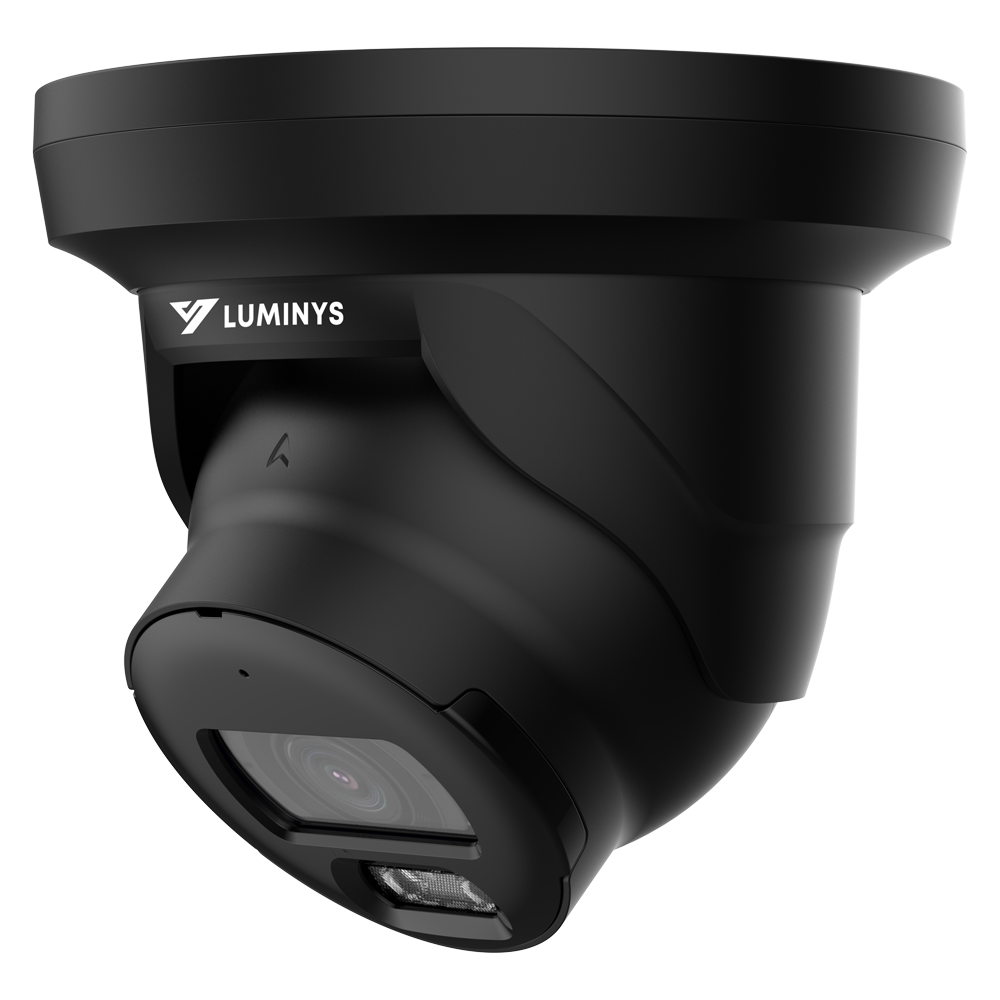
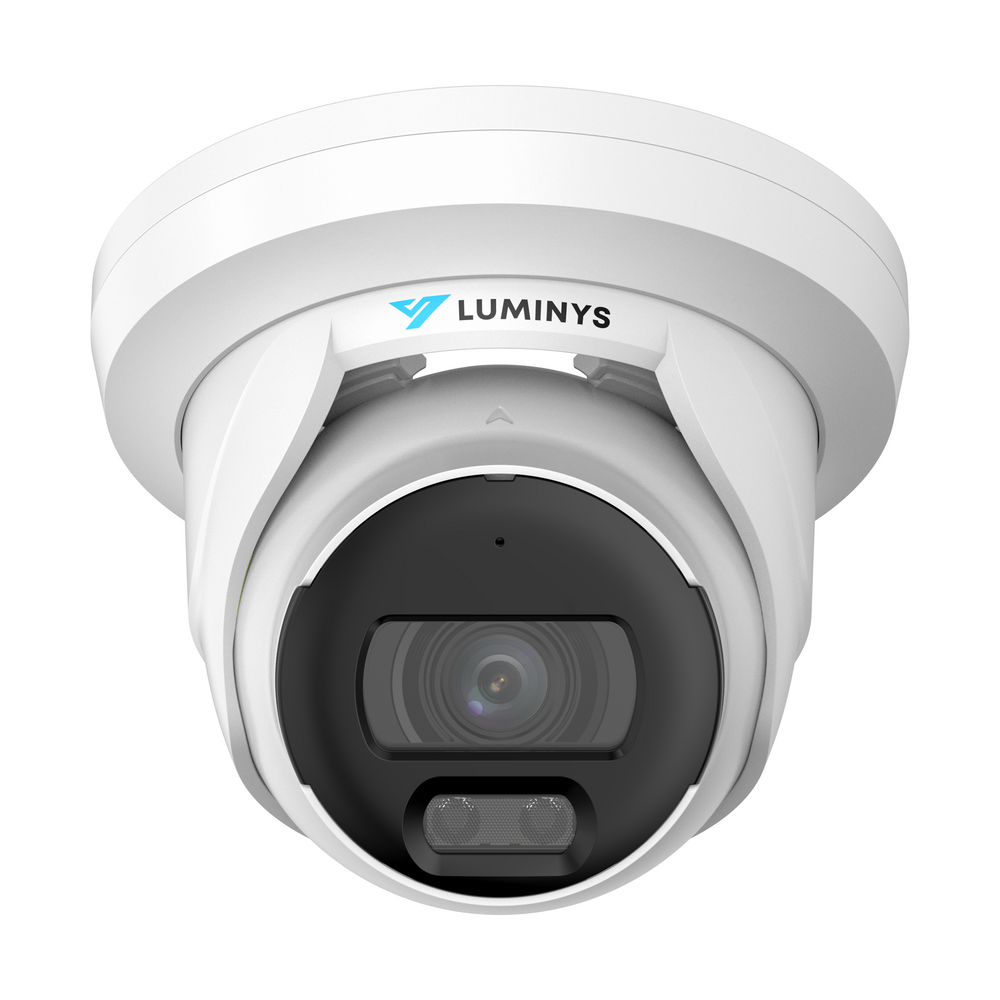
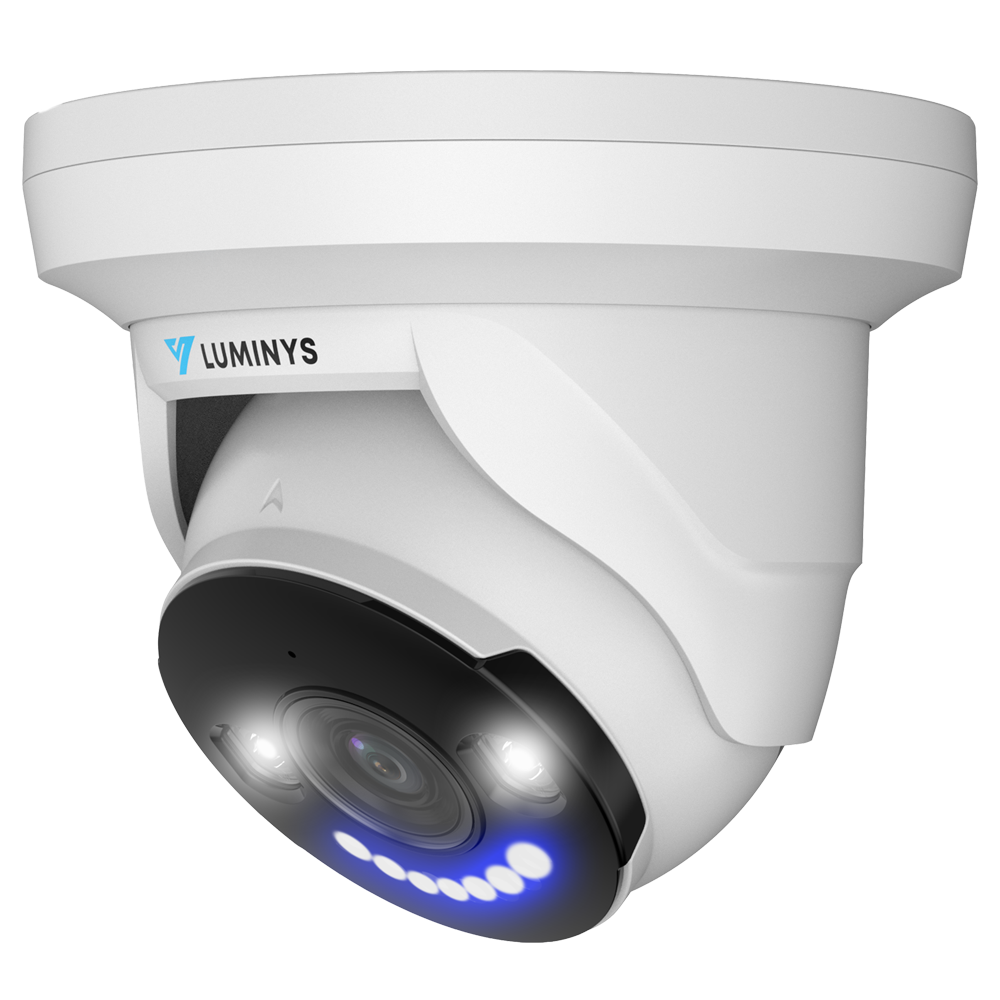
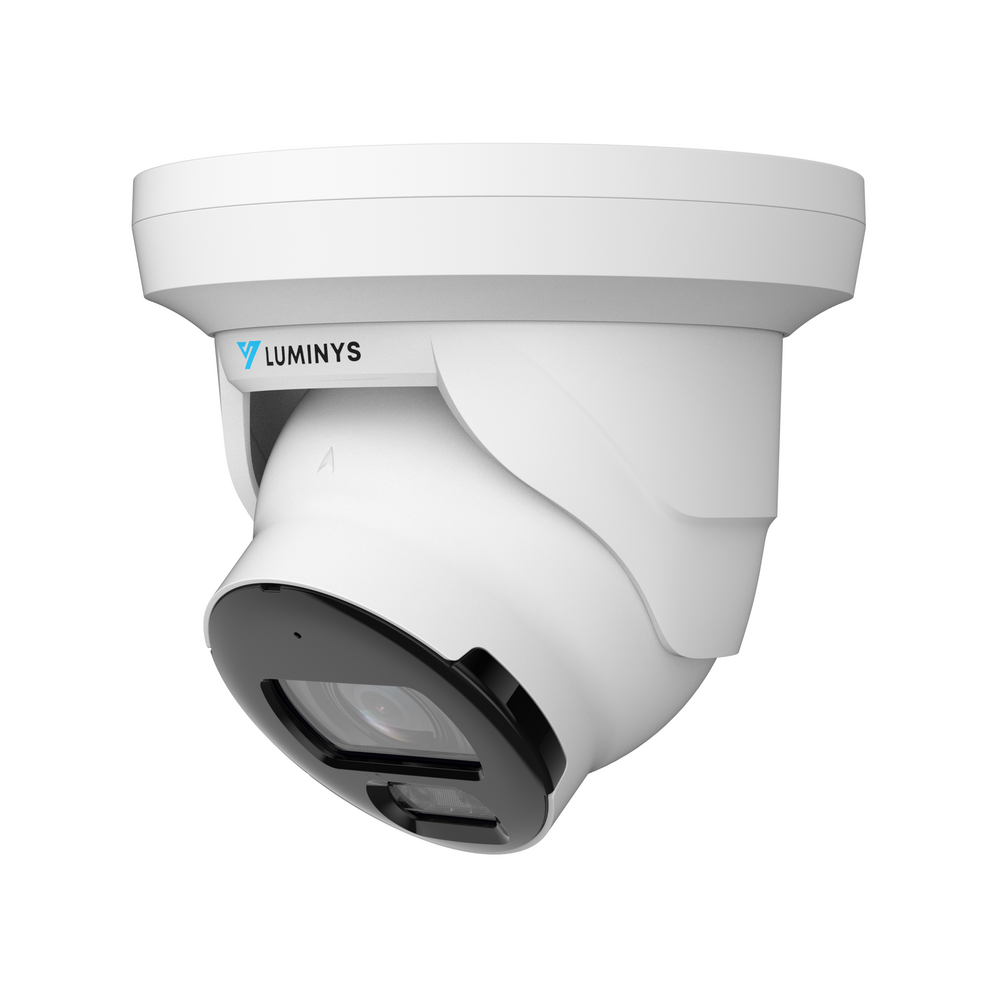
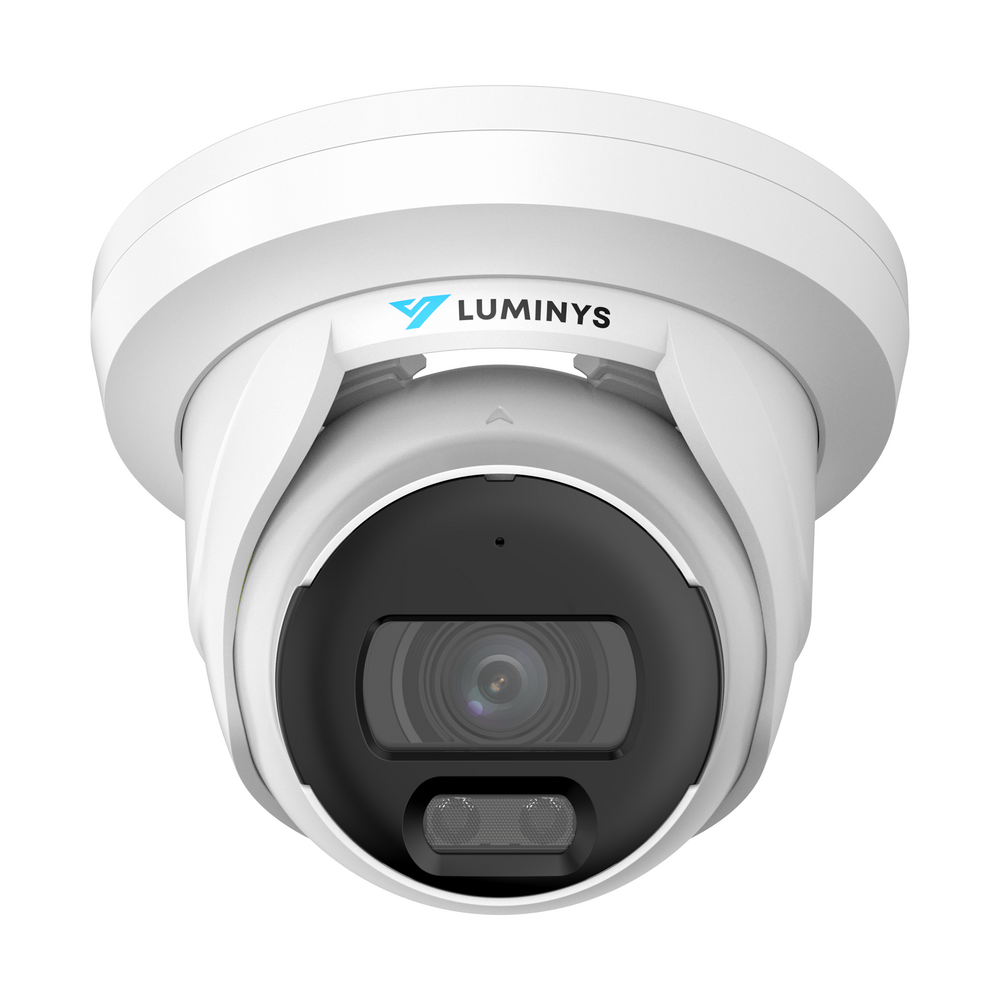
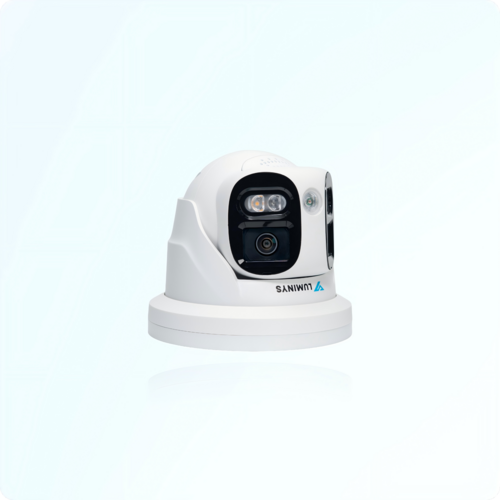
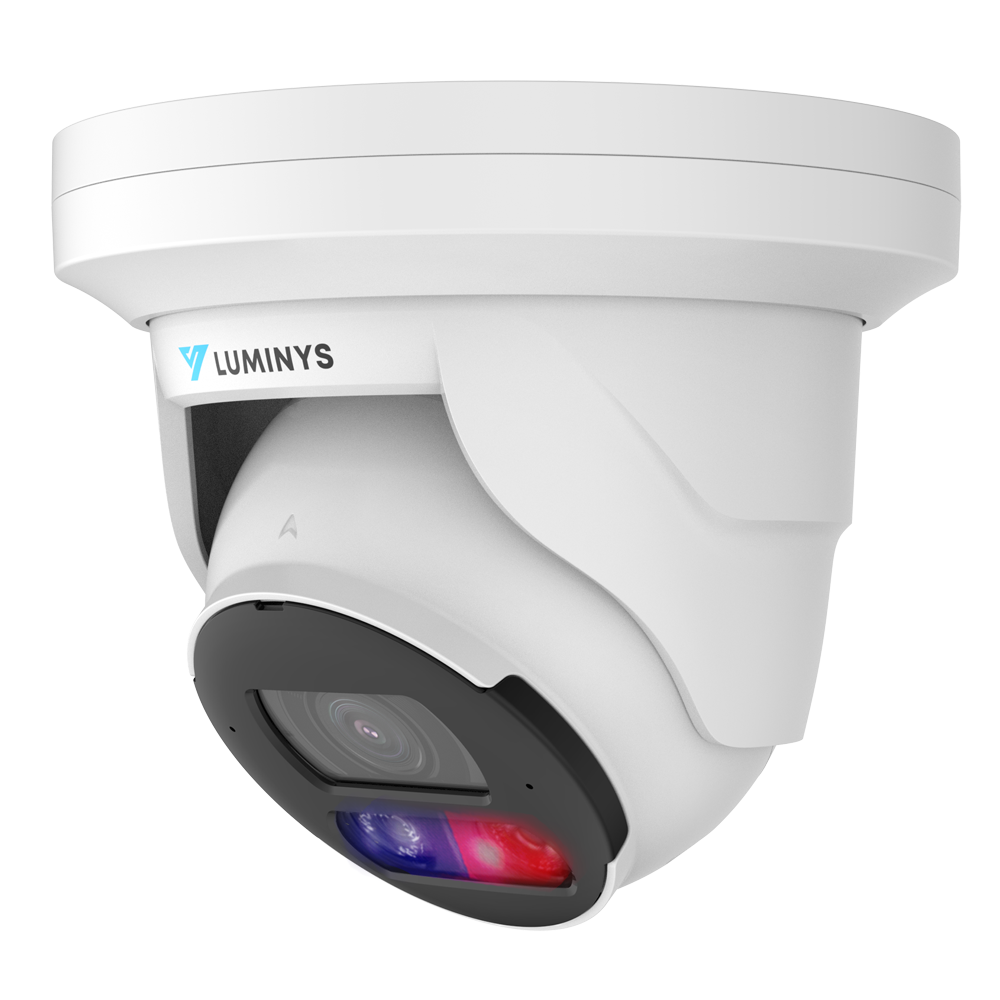
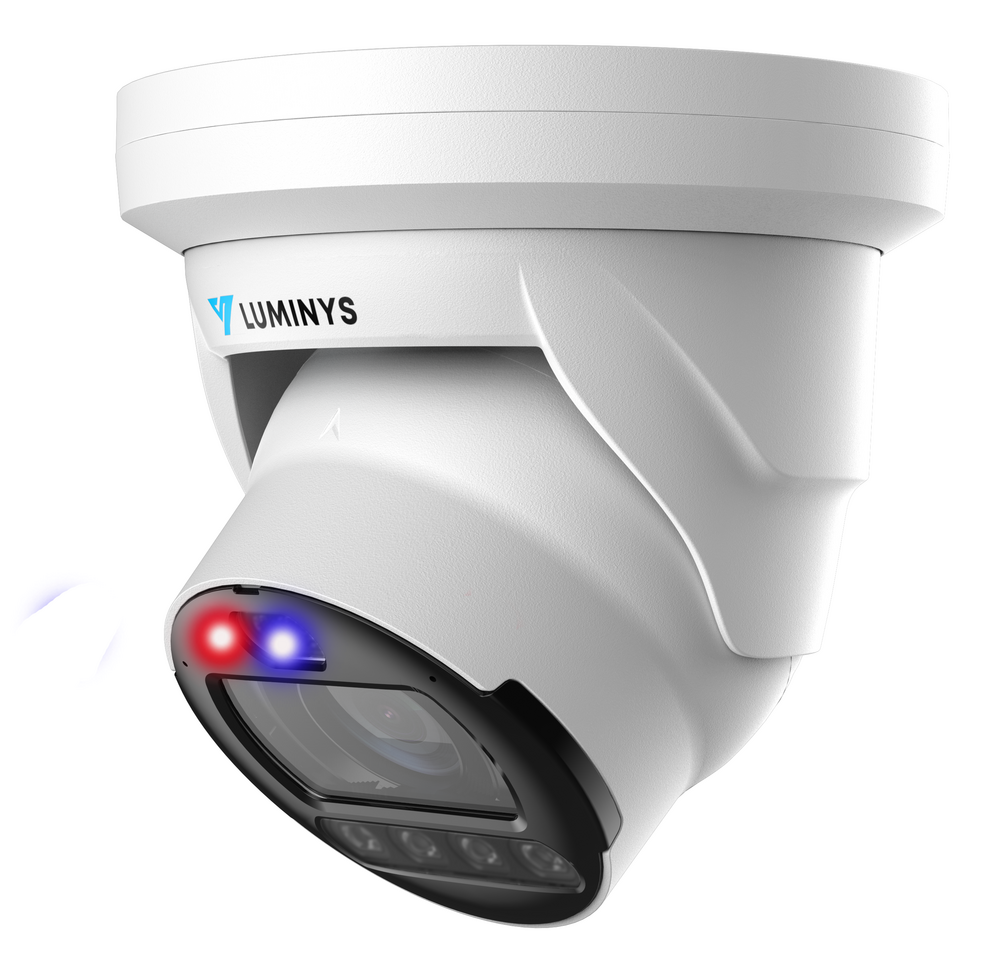
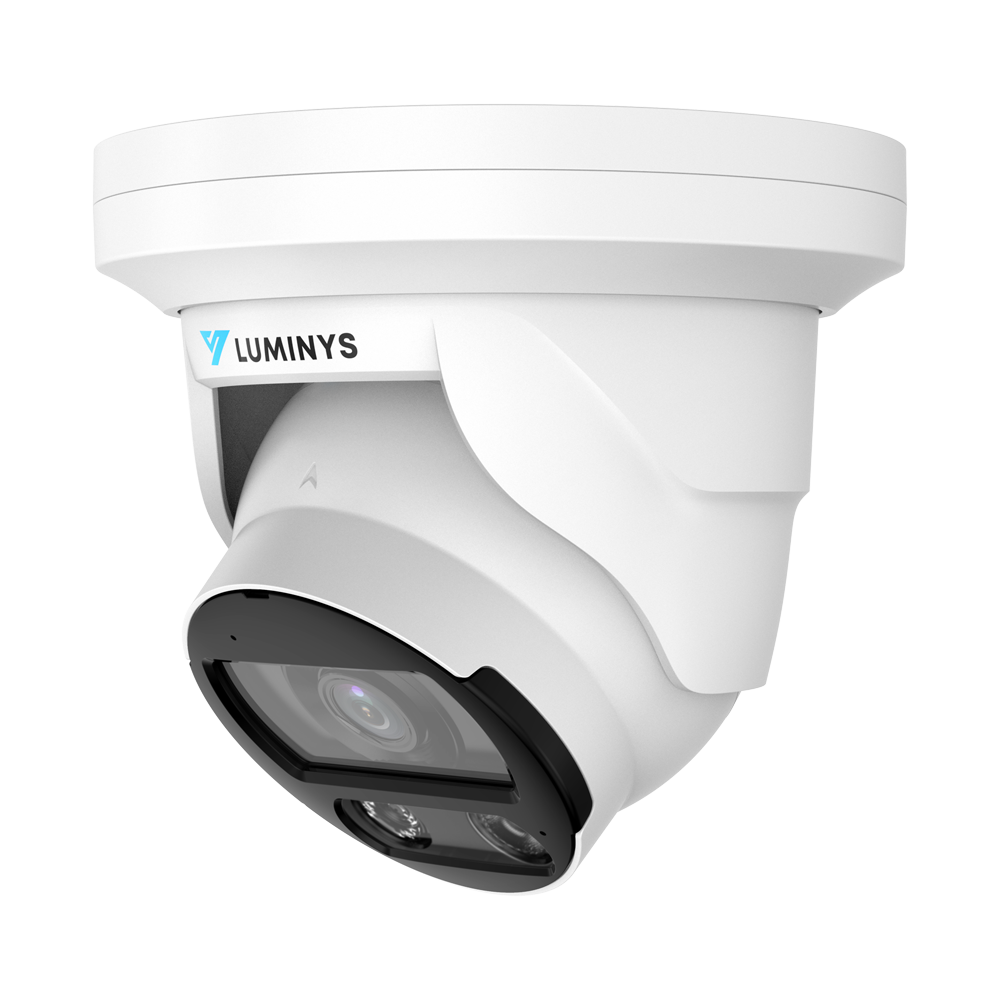
- 4MP to 8MP turret cameras for general coverage.
- A recorder with spare channels and surveillance storage sized for the desired retention period.
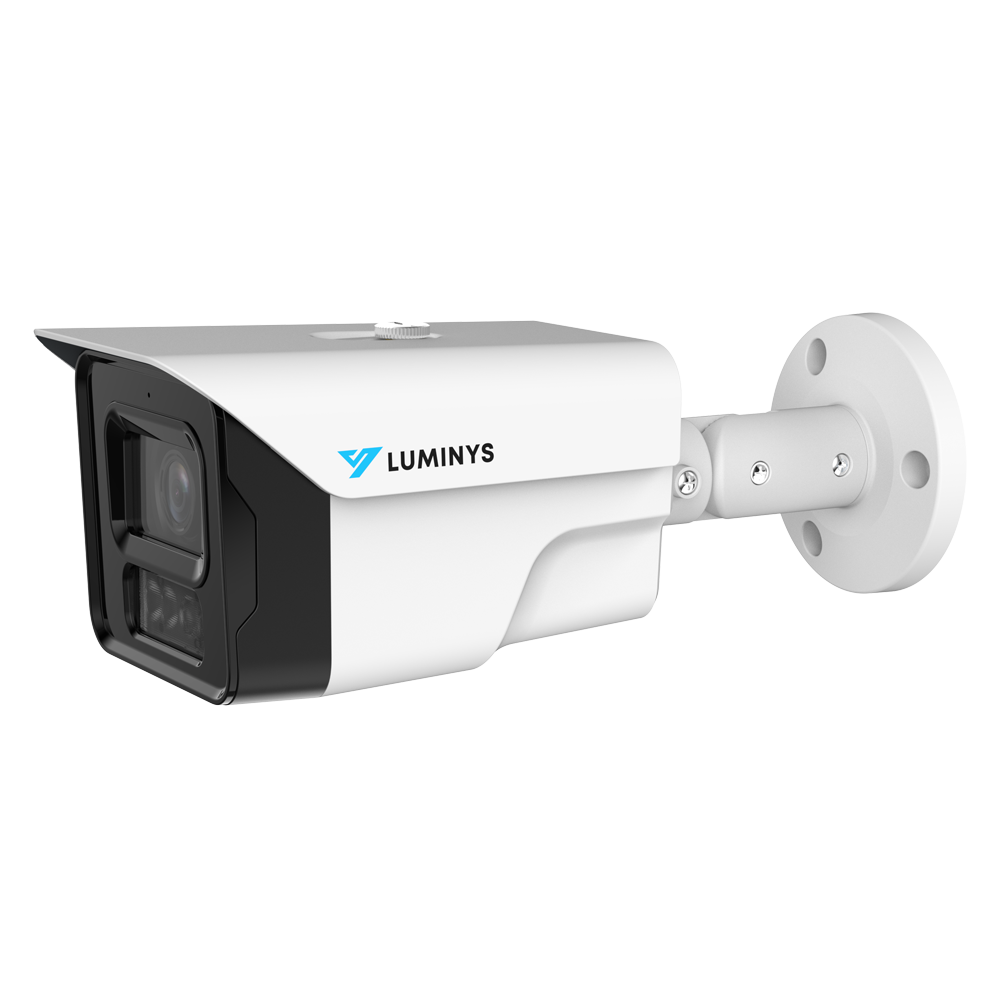
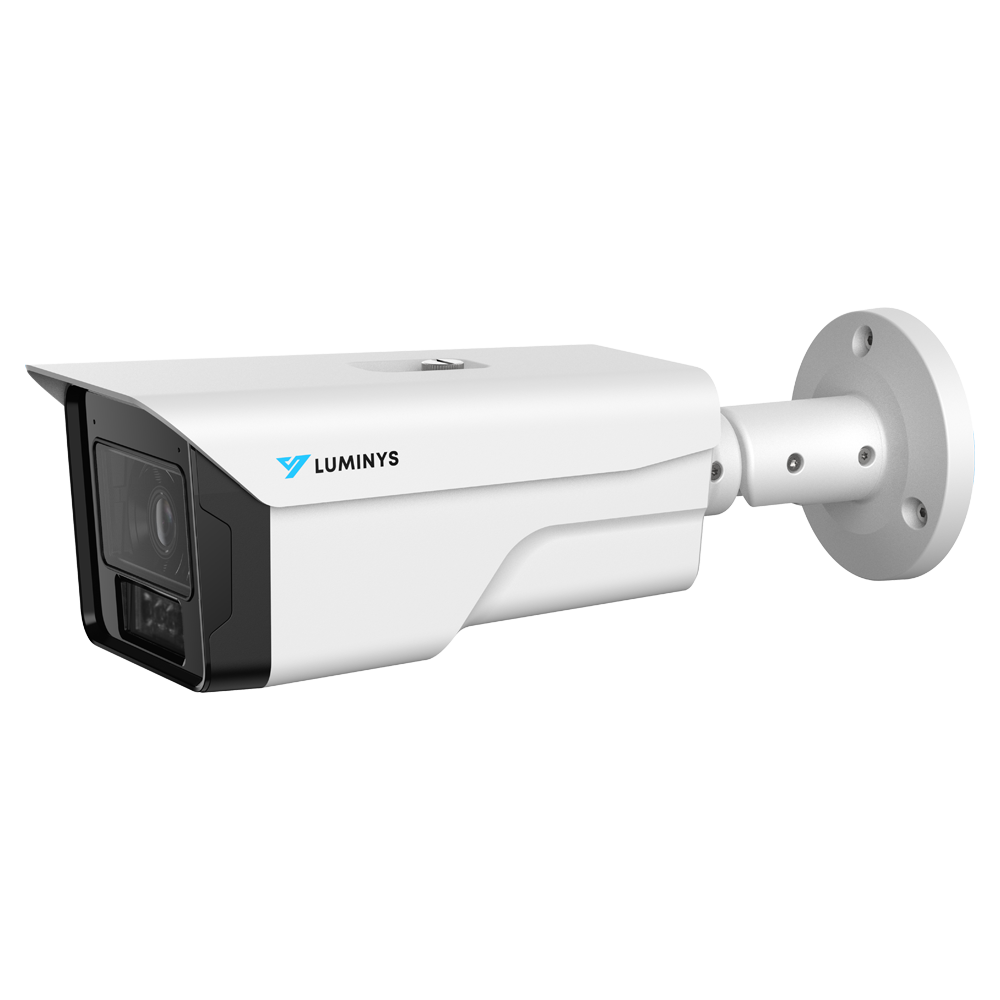
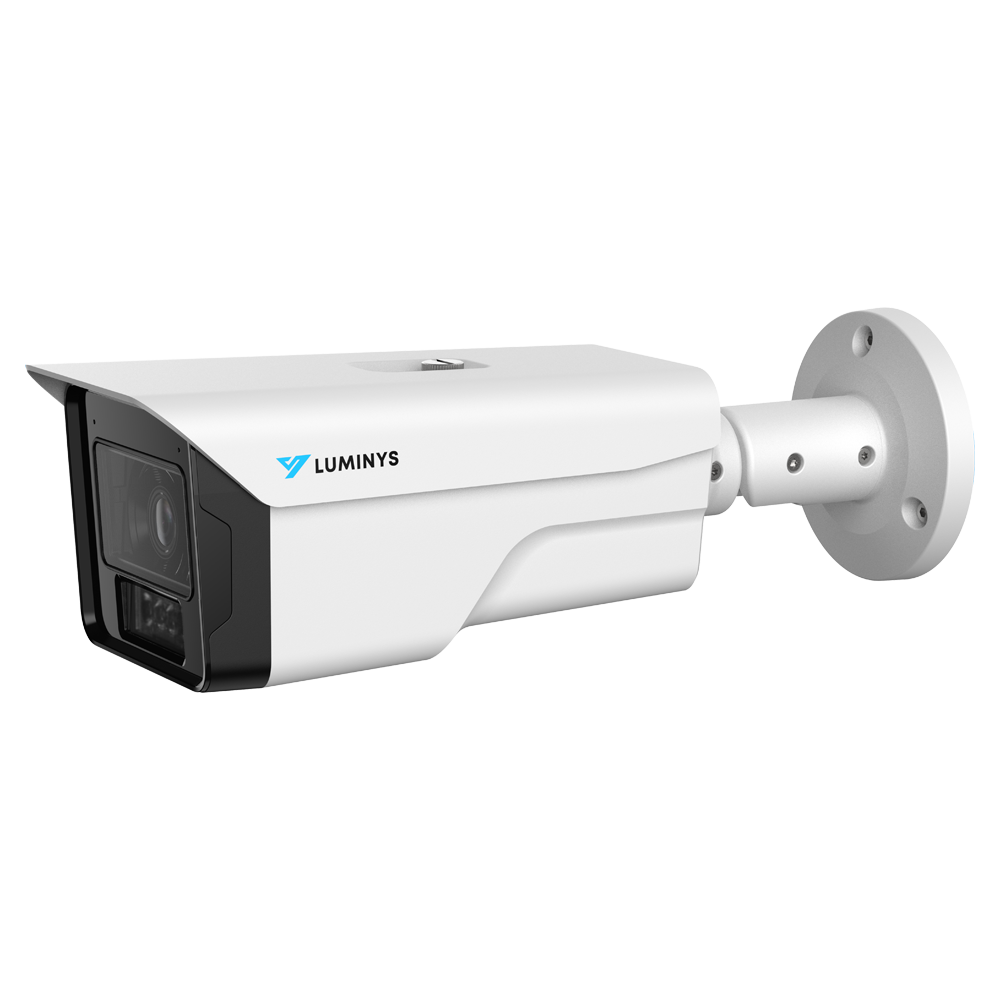
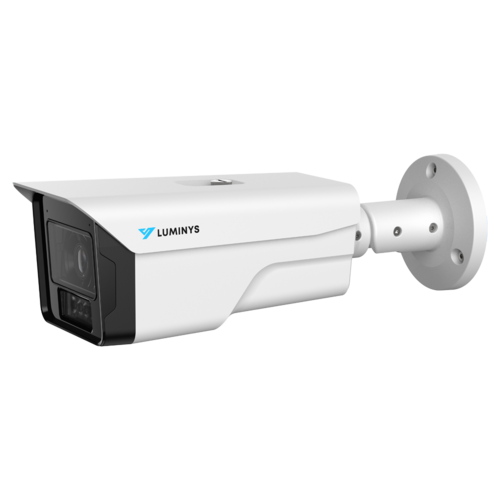
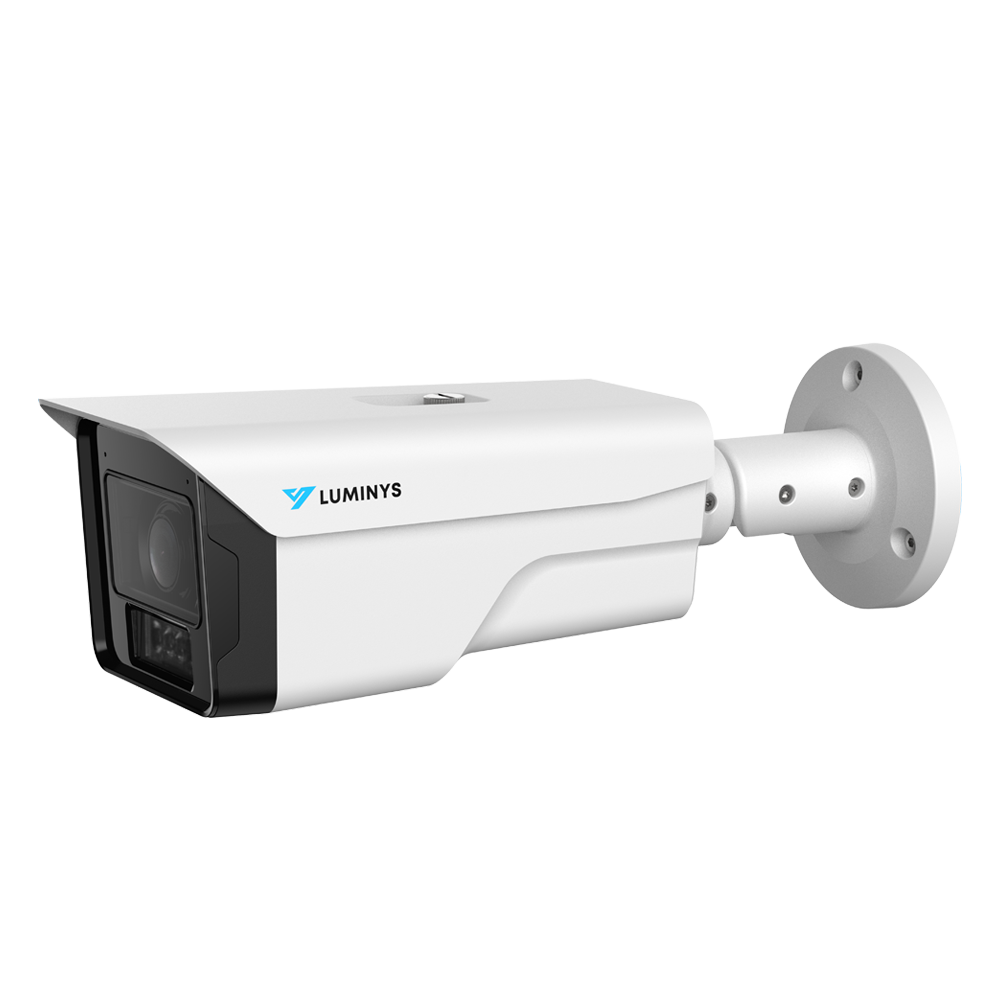
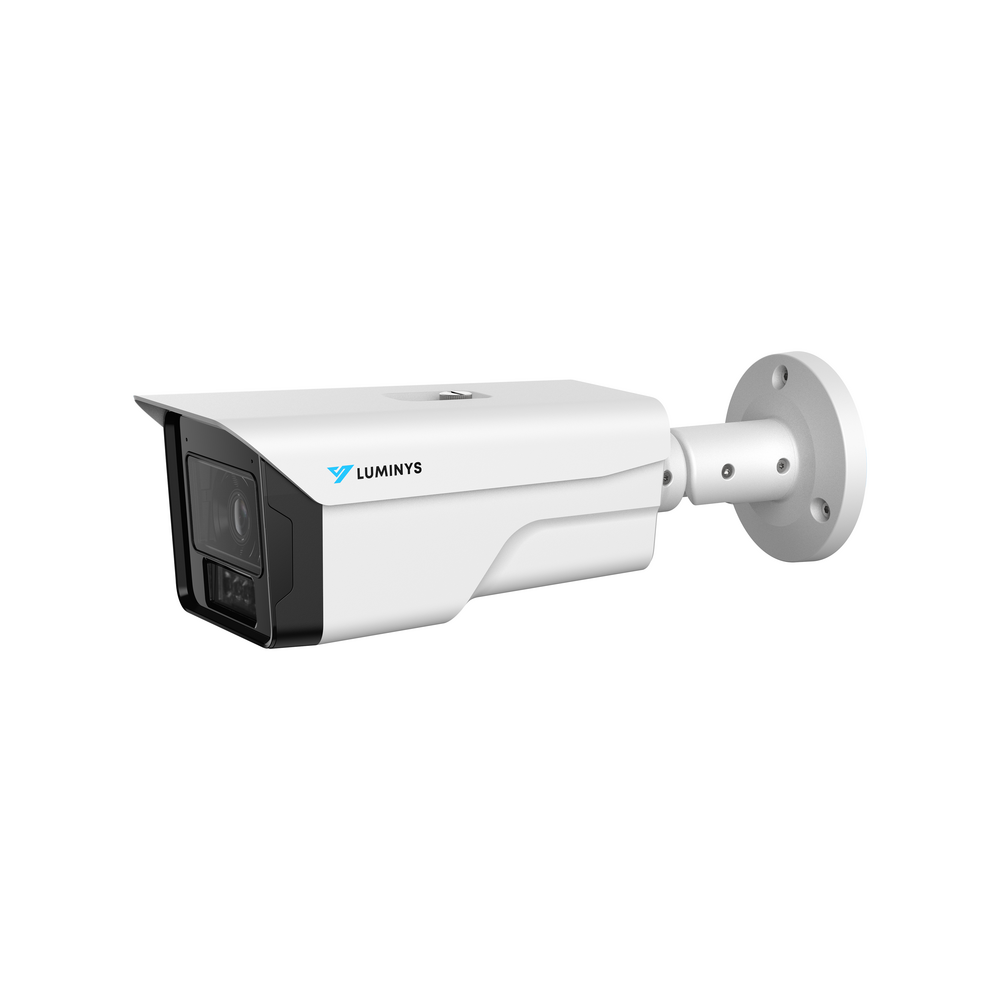
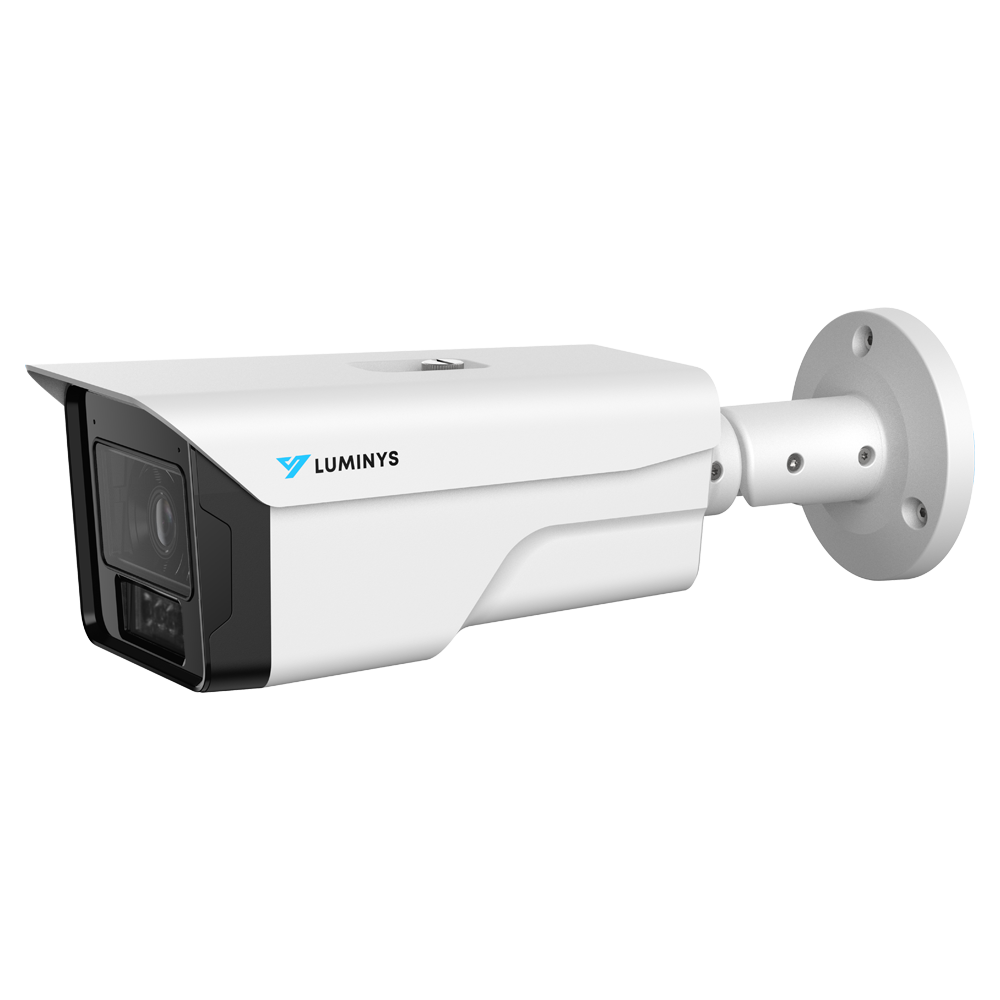
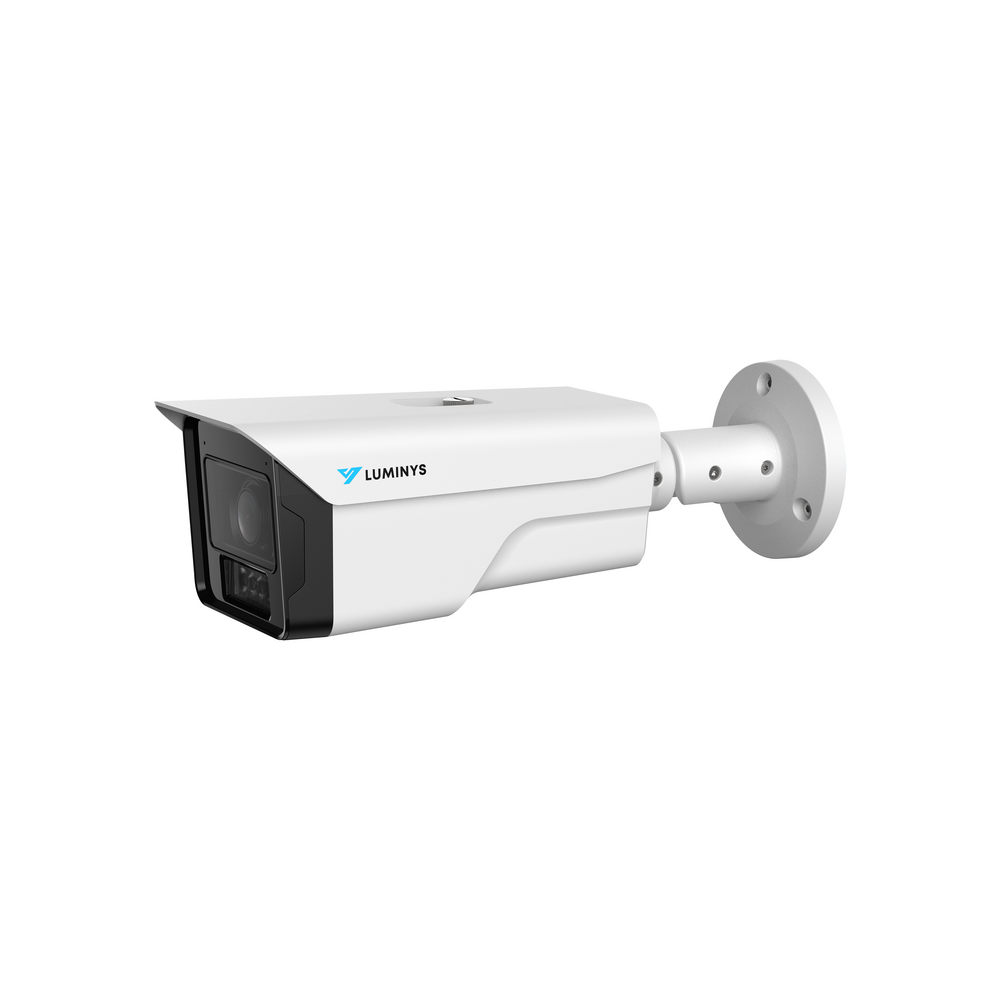
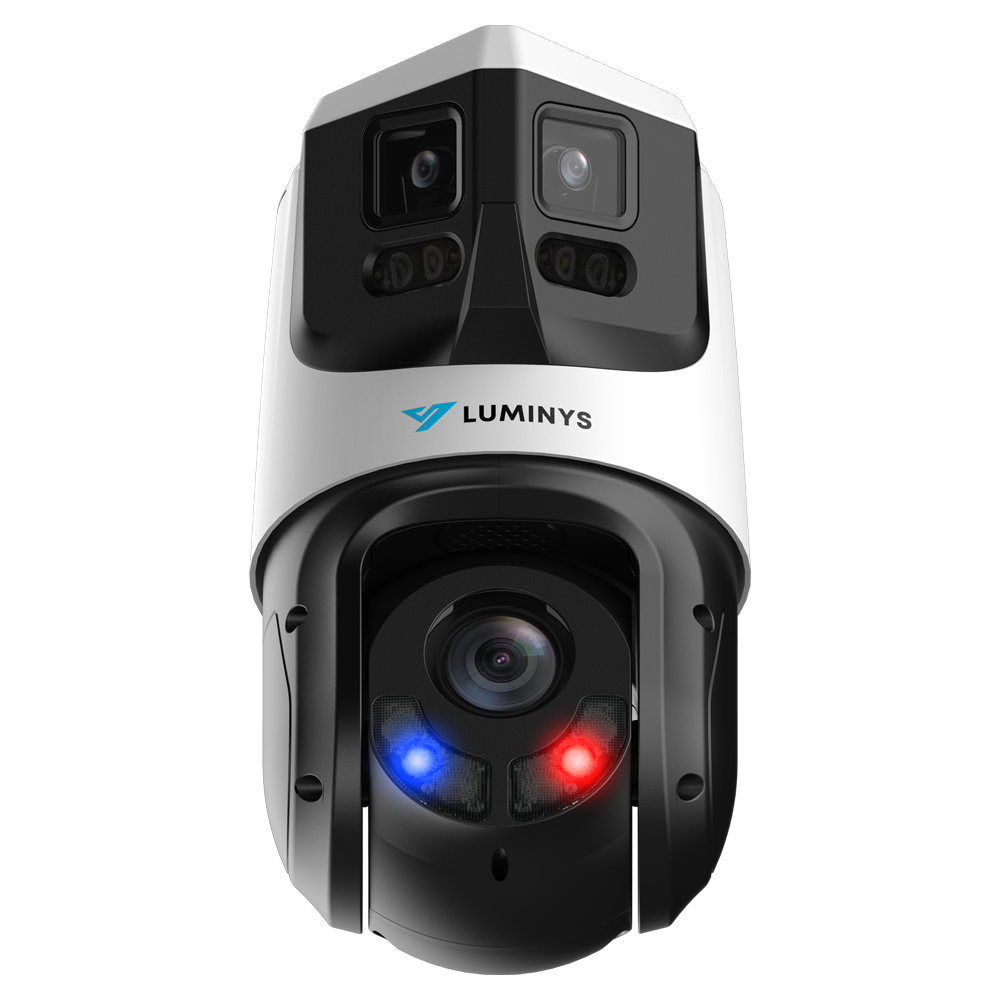
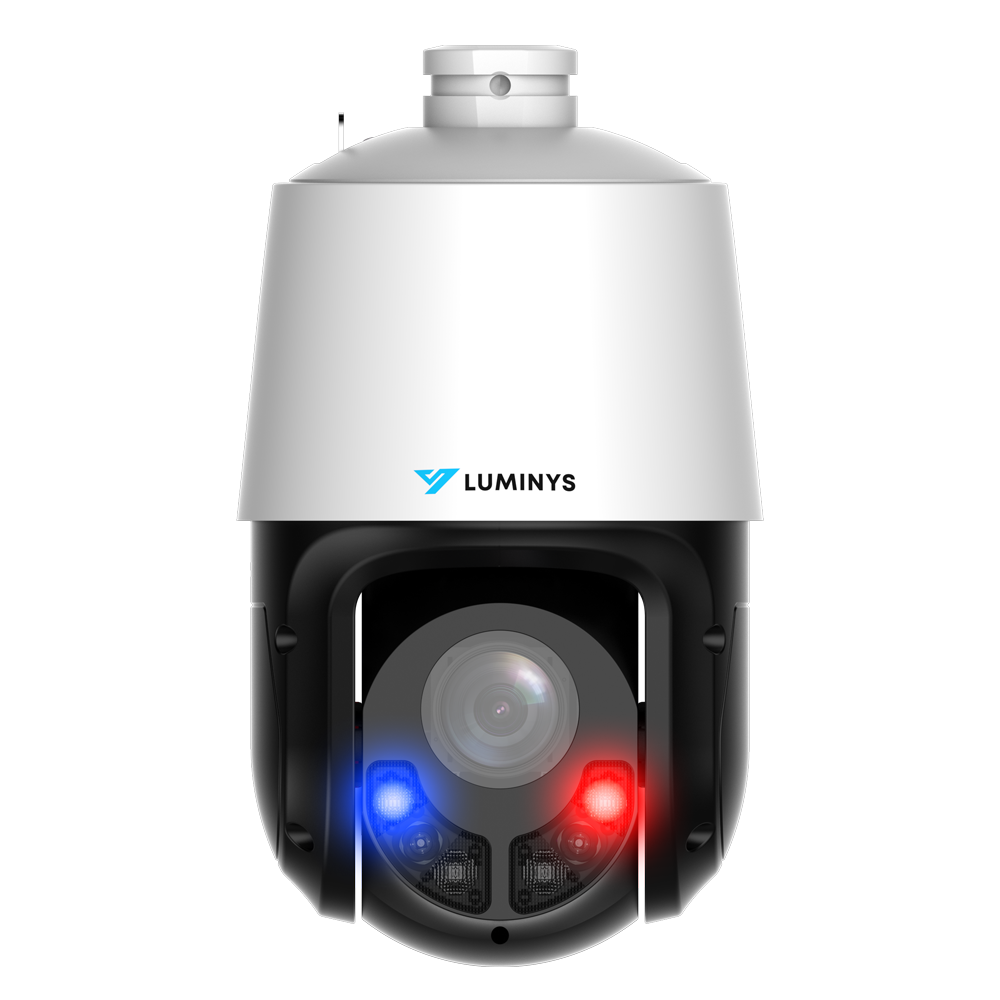
- Purpose-selected cameras for plates, transactions, entrances, or long-distance identification.
- Pre-terminated Cat-6 runs measured for each location.
Match each camera to the scene
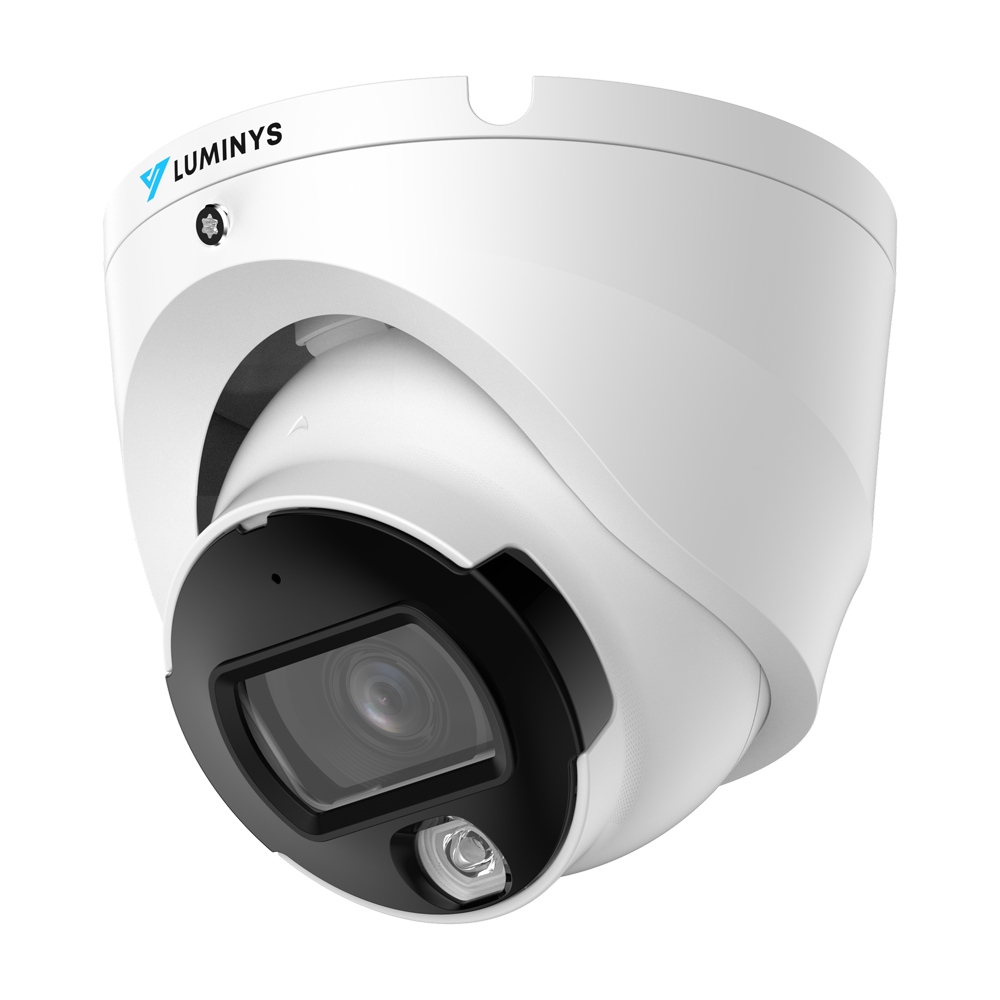
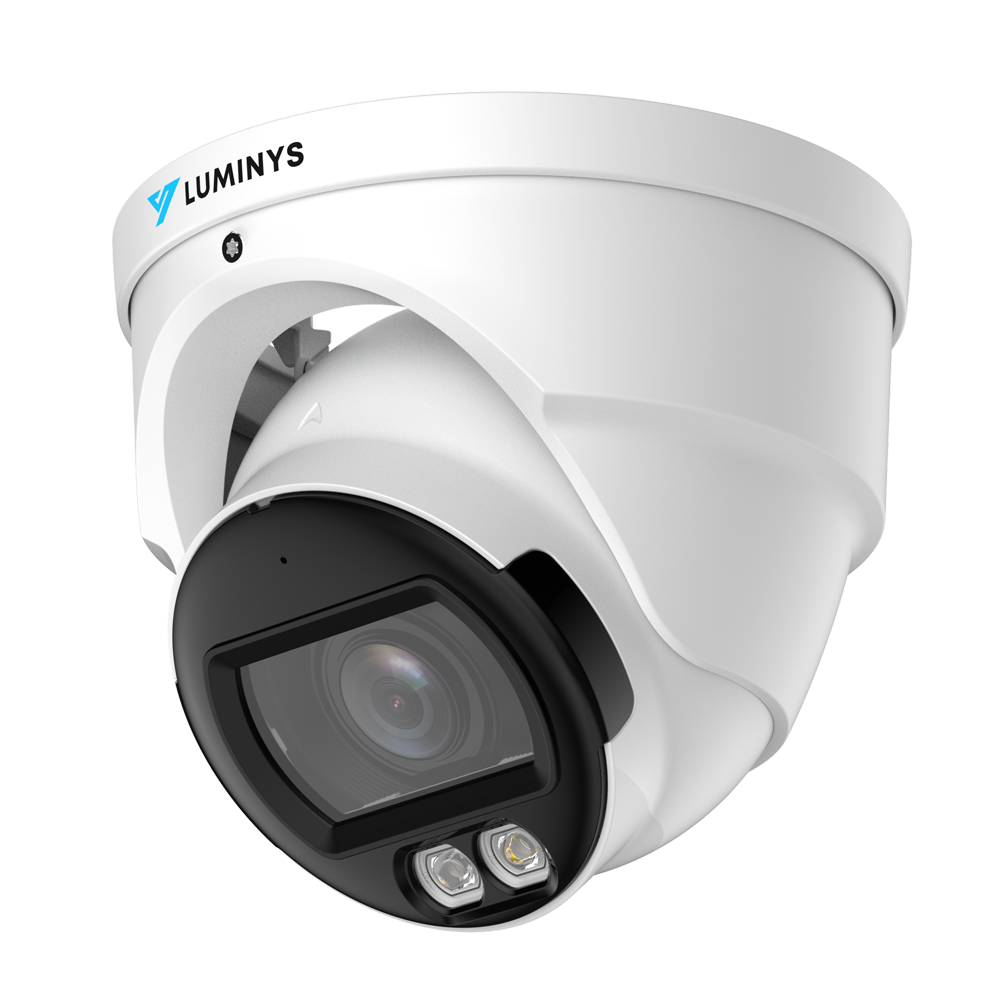
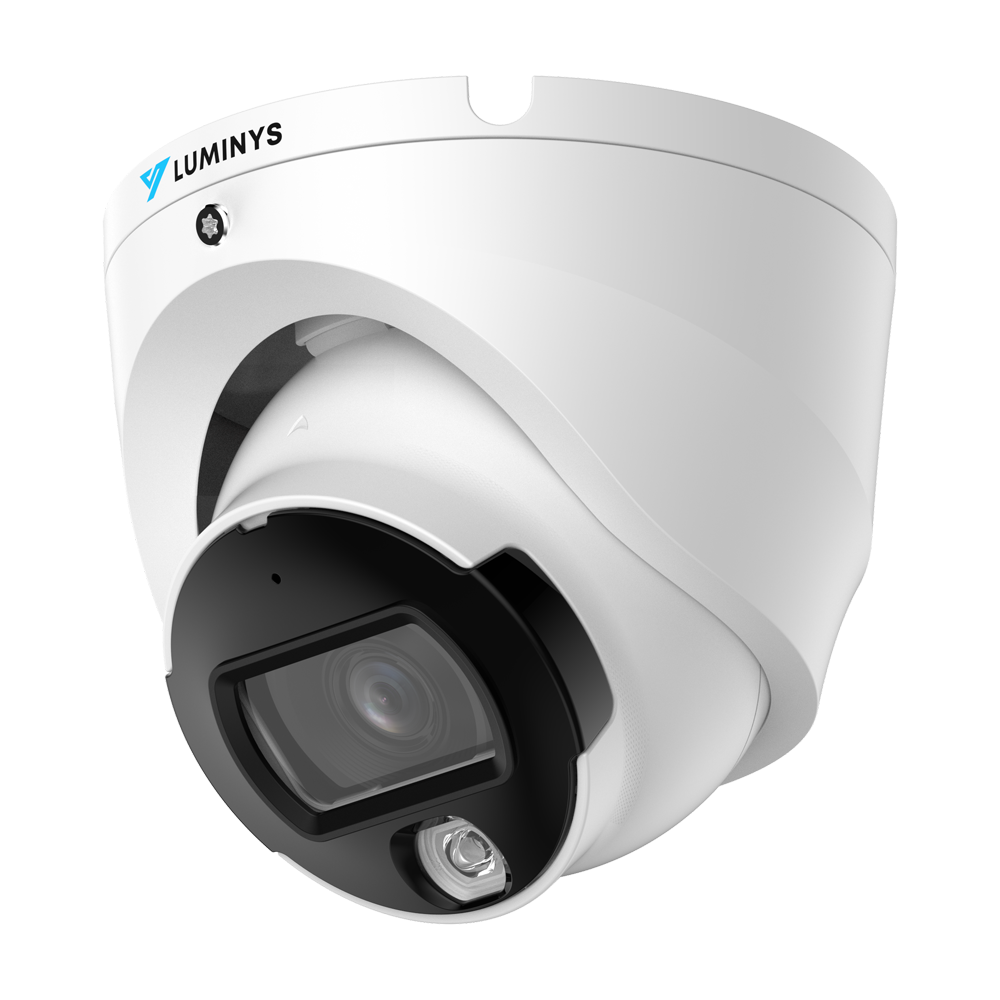
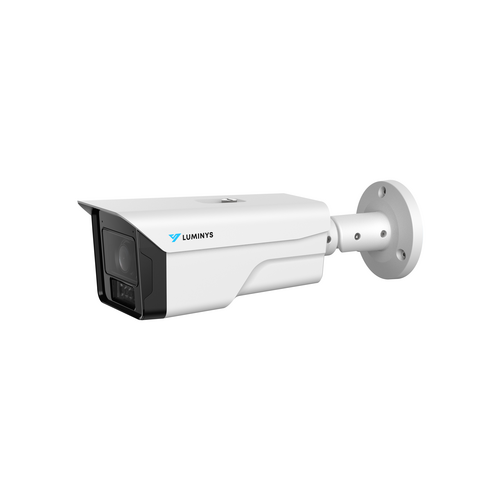
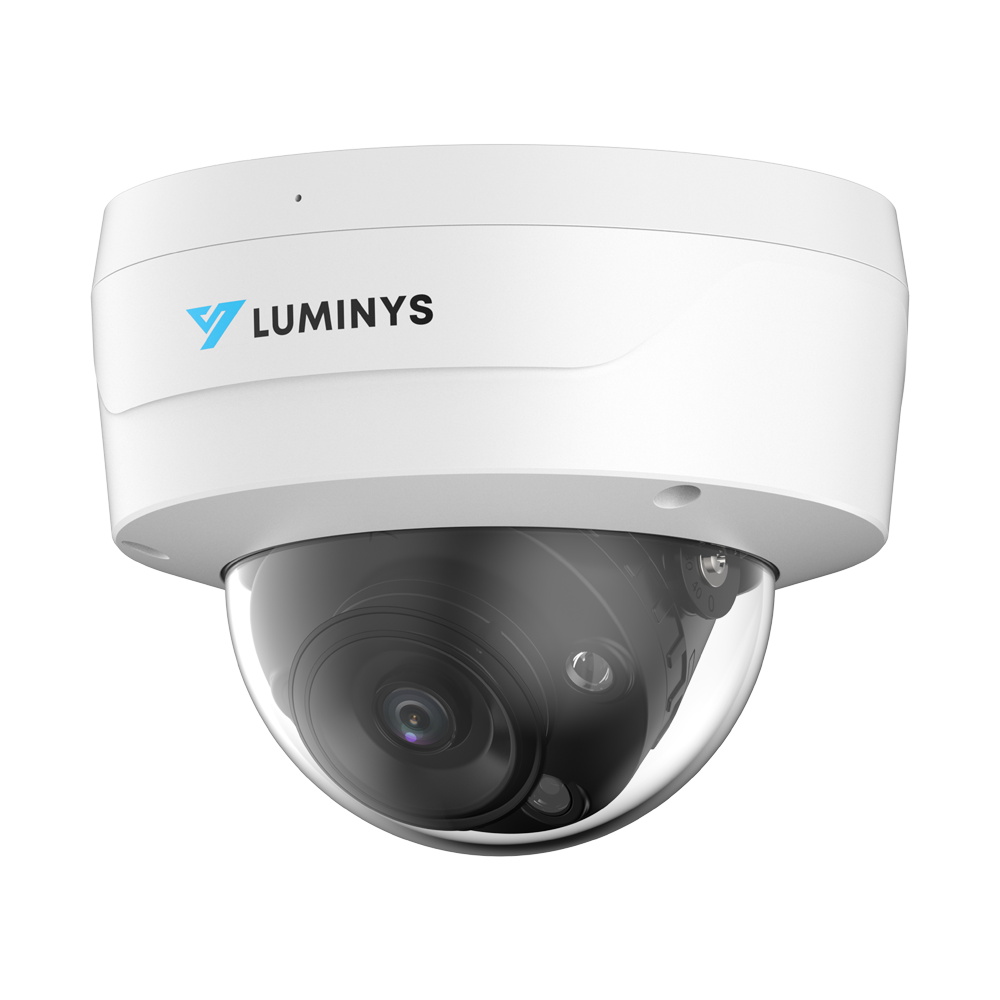
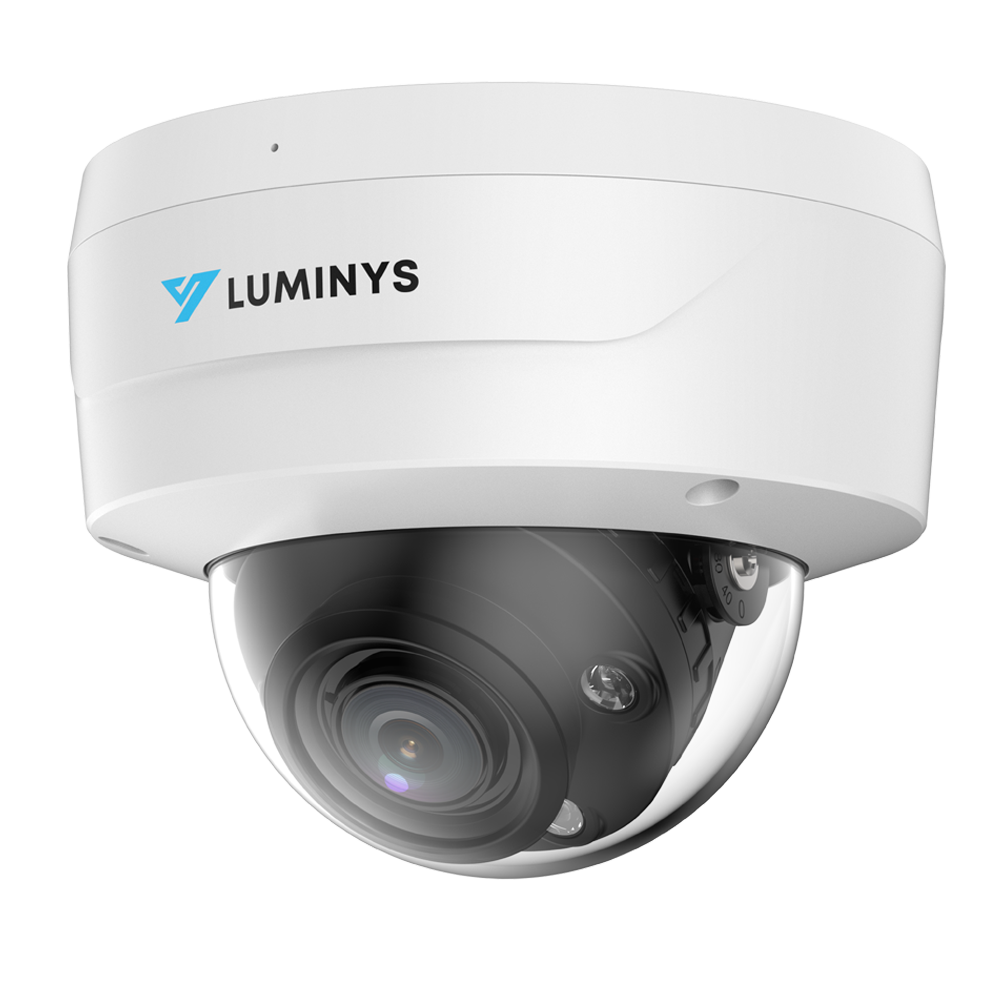
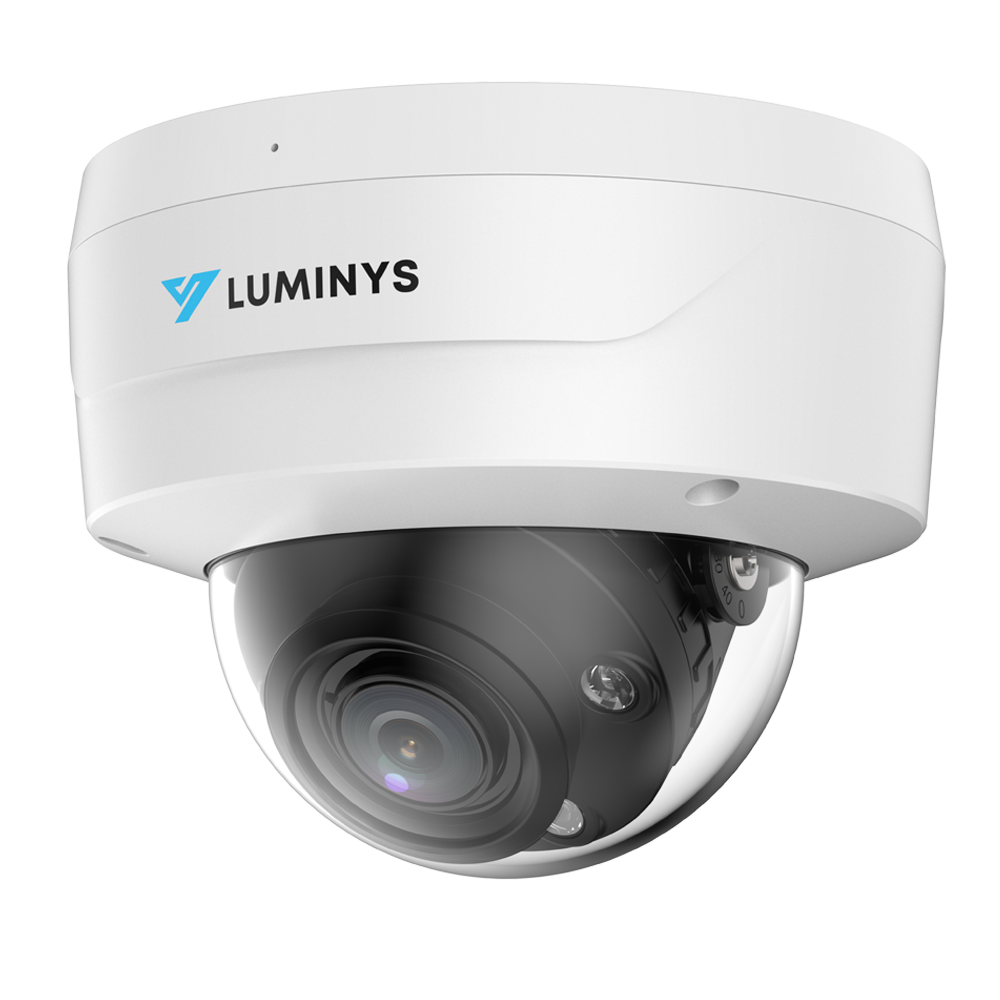
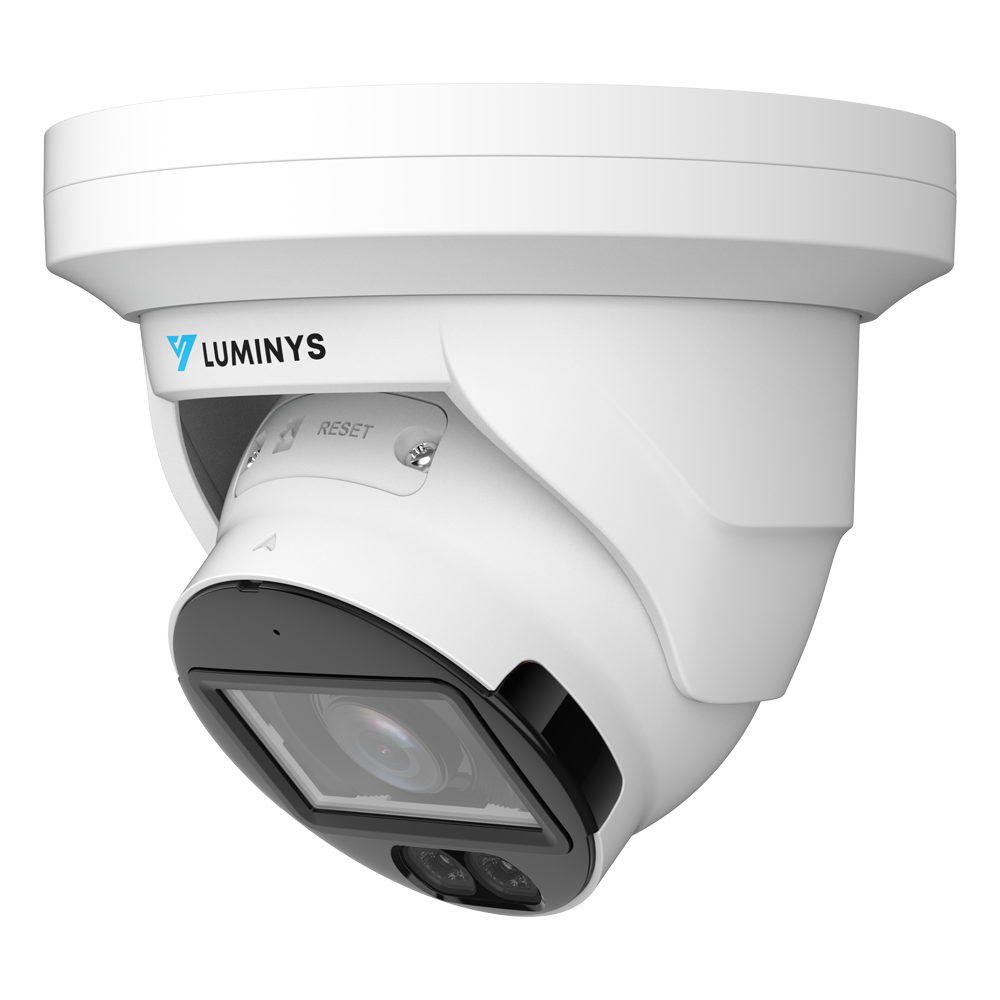
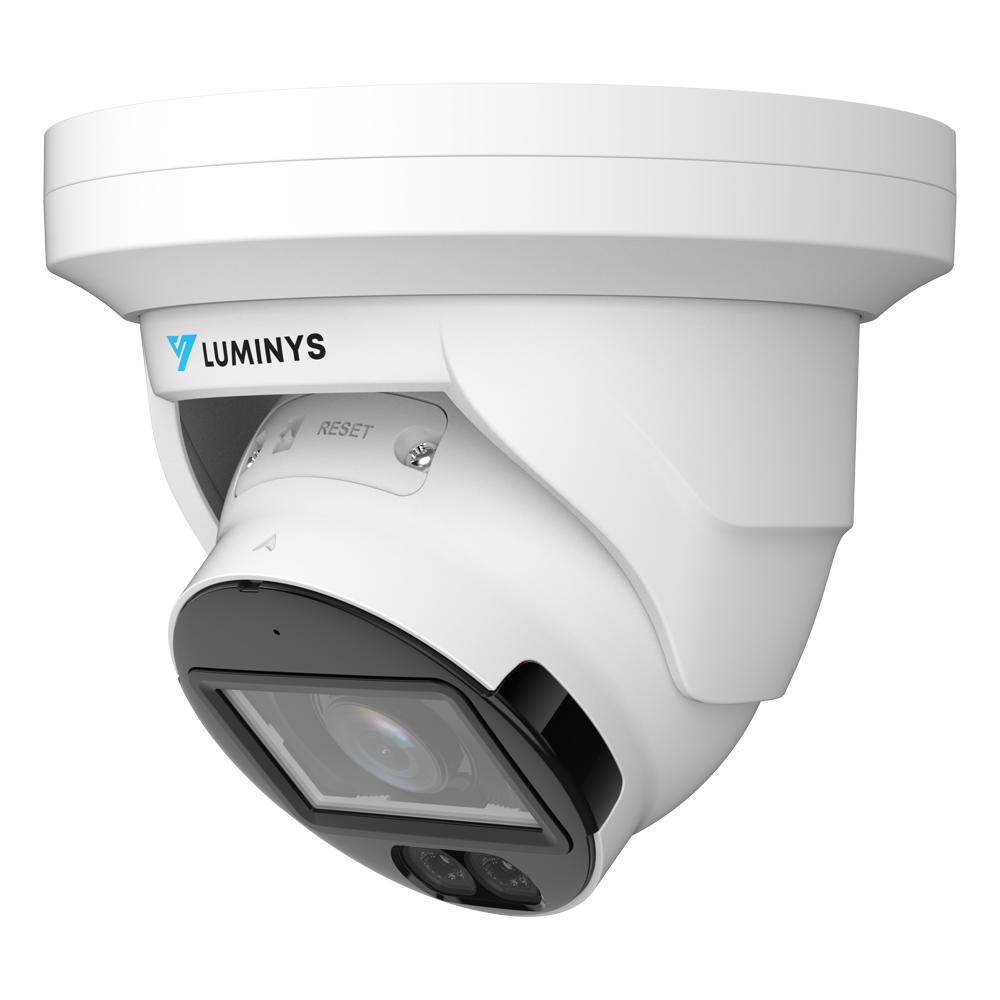
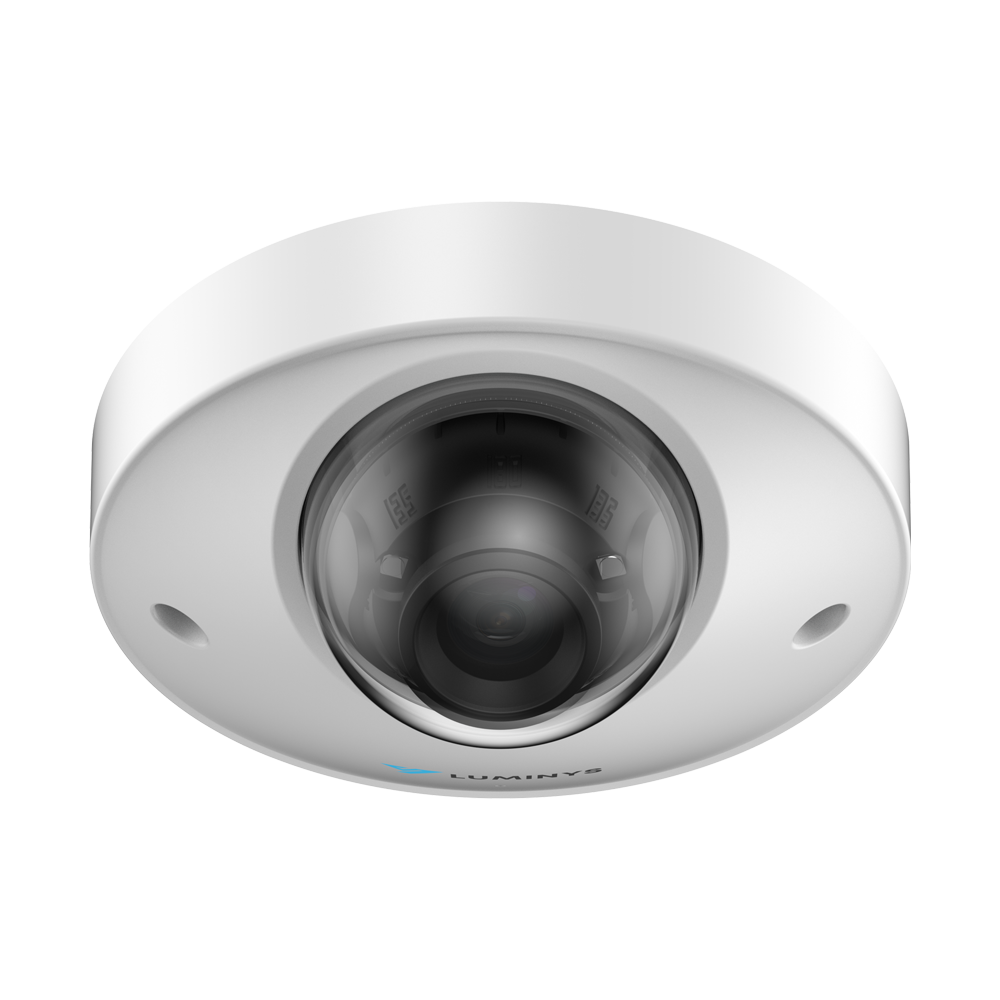
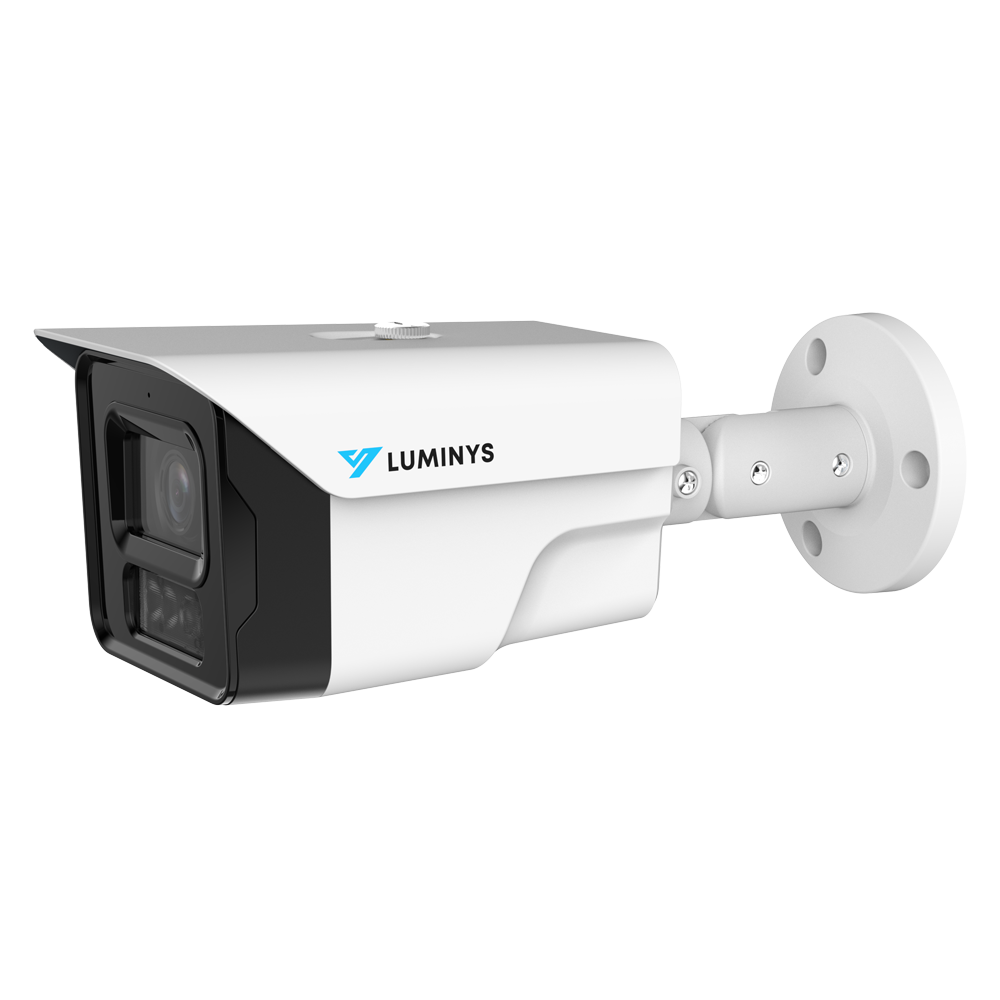
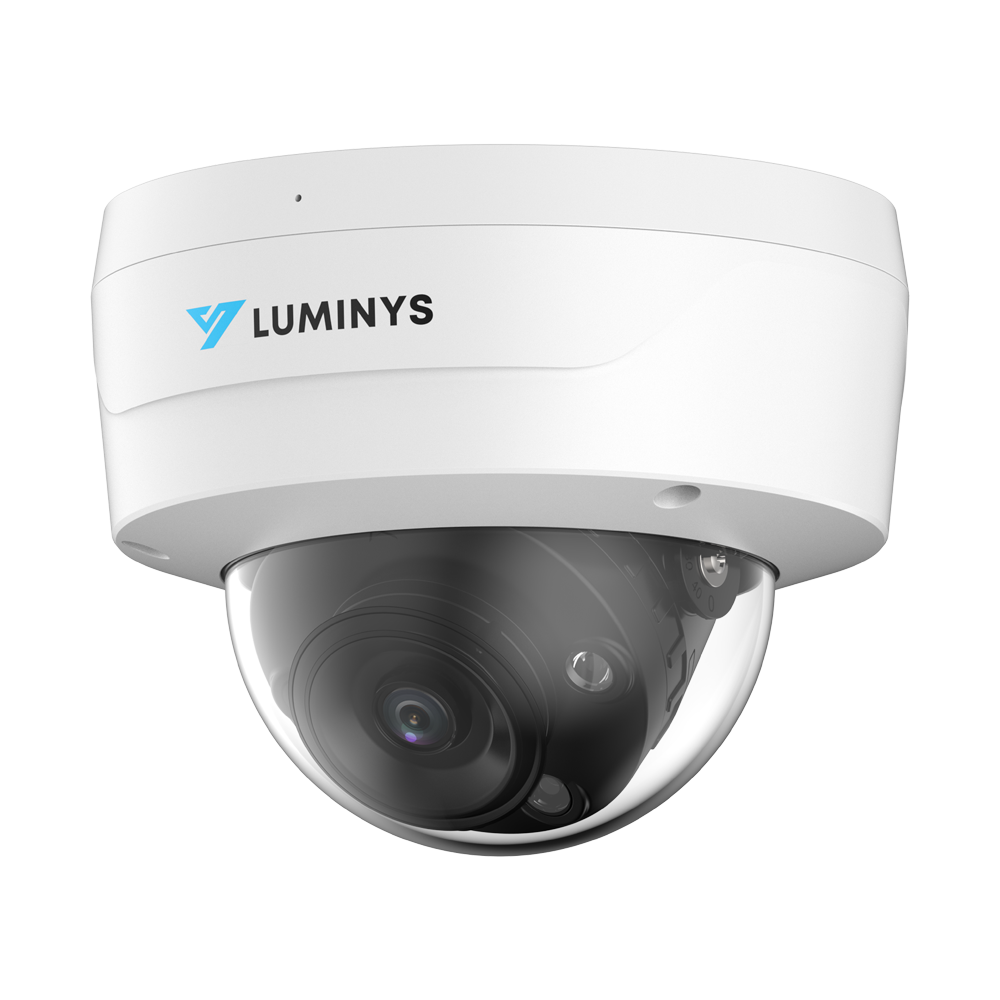
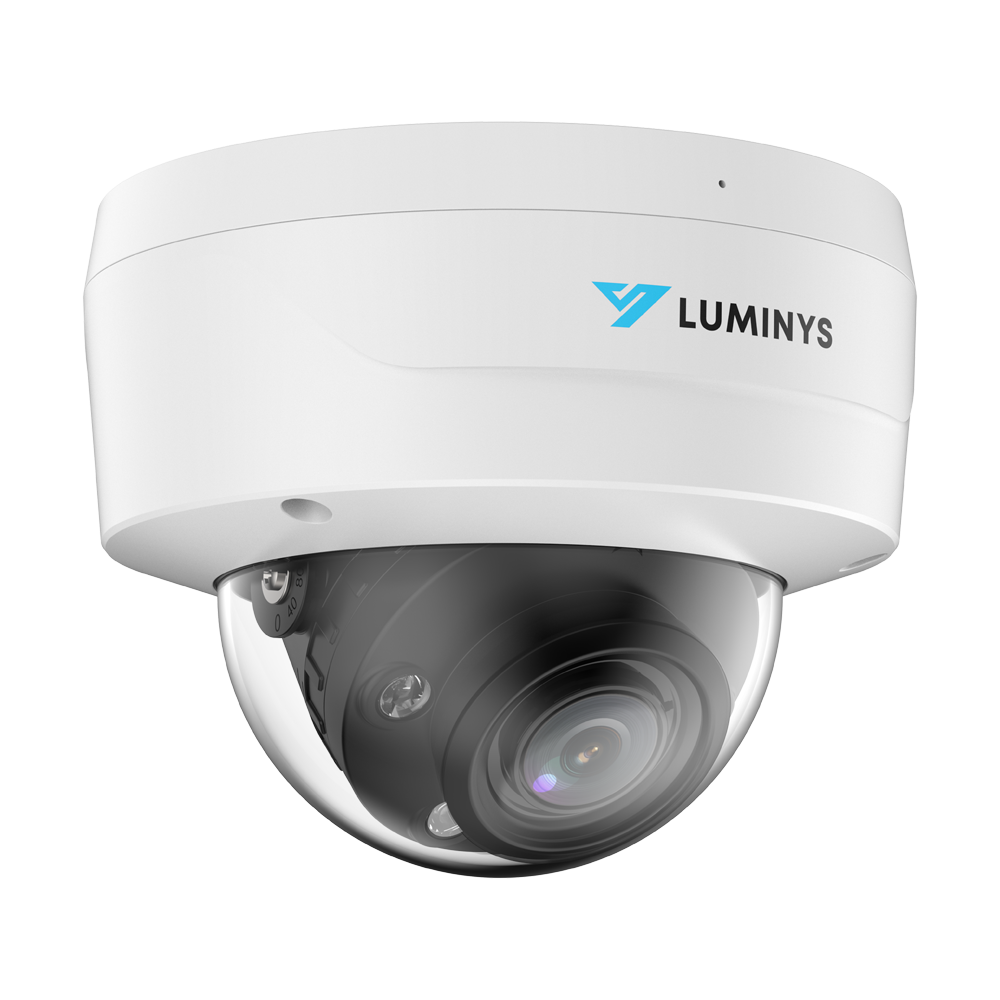
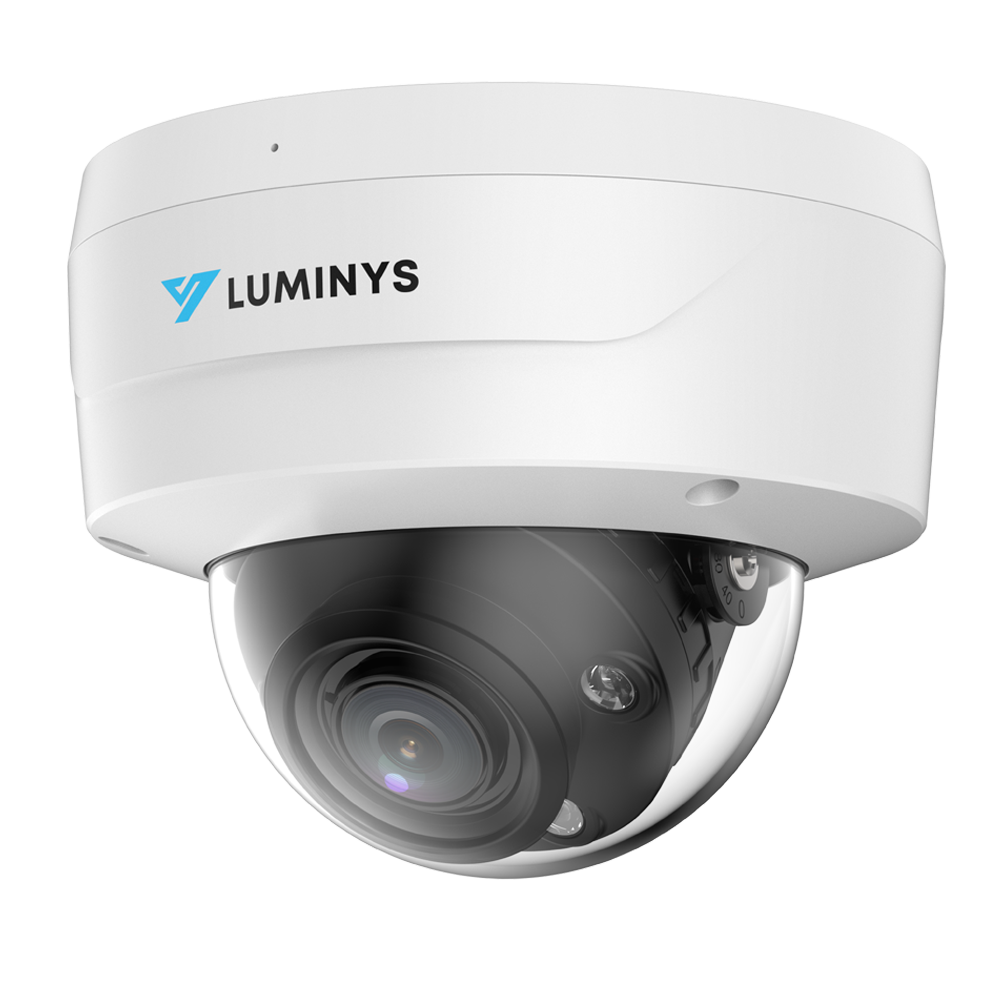
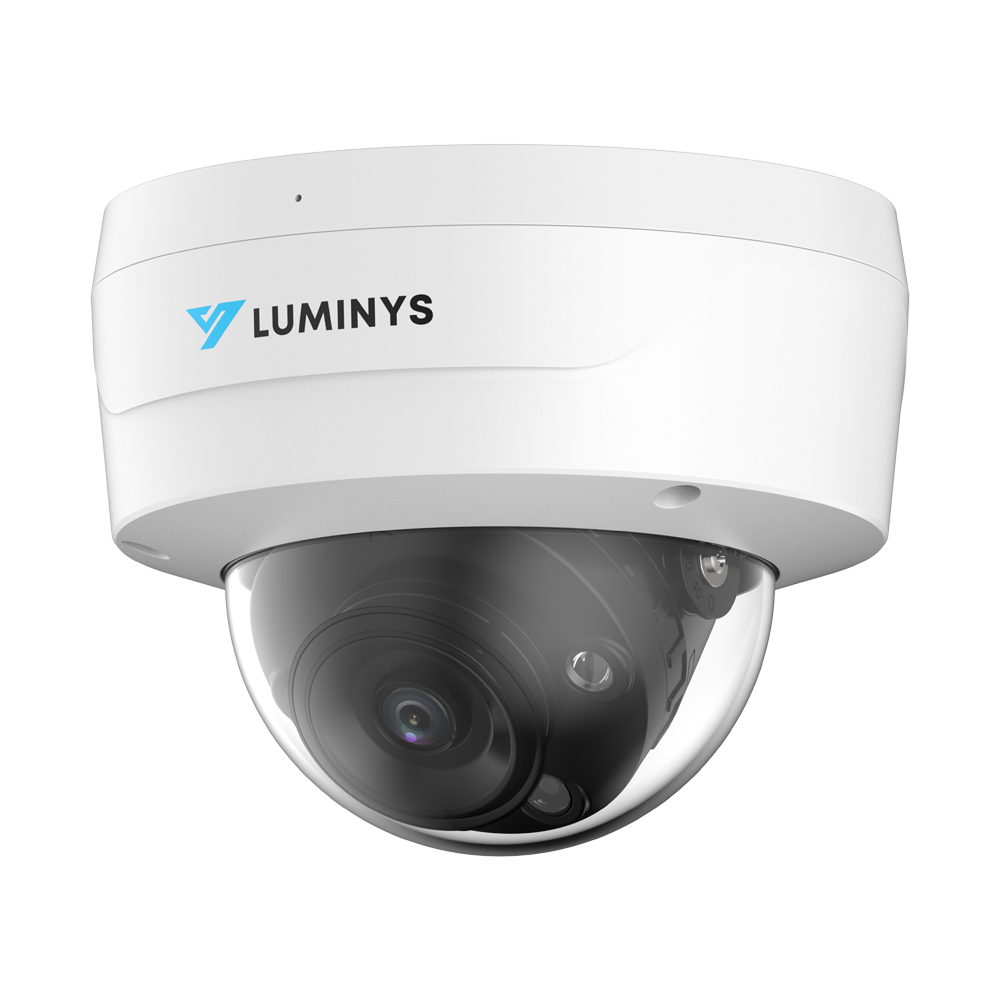
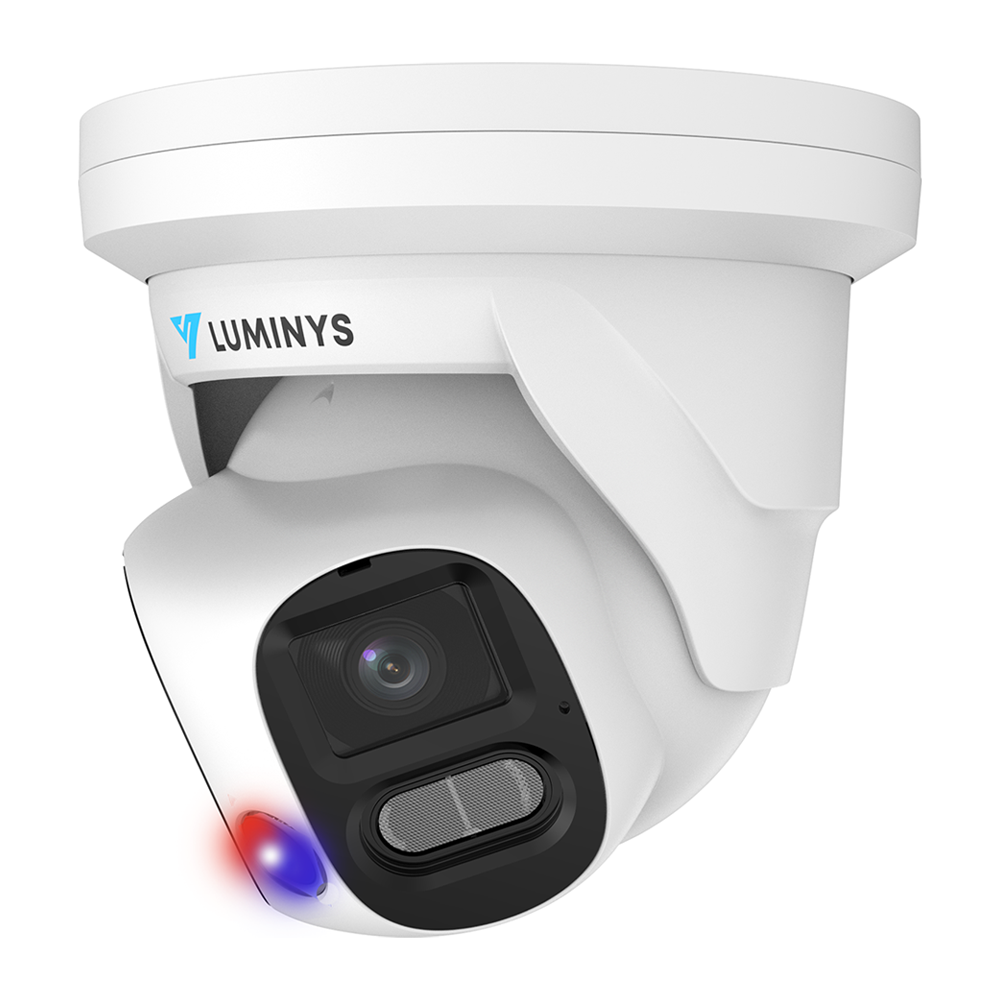
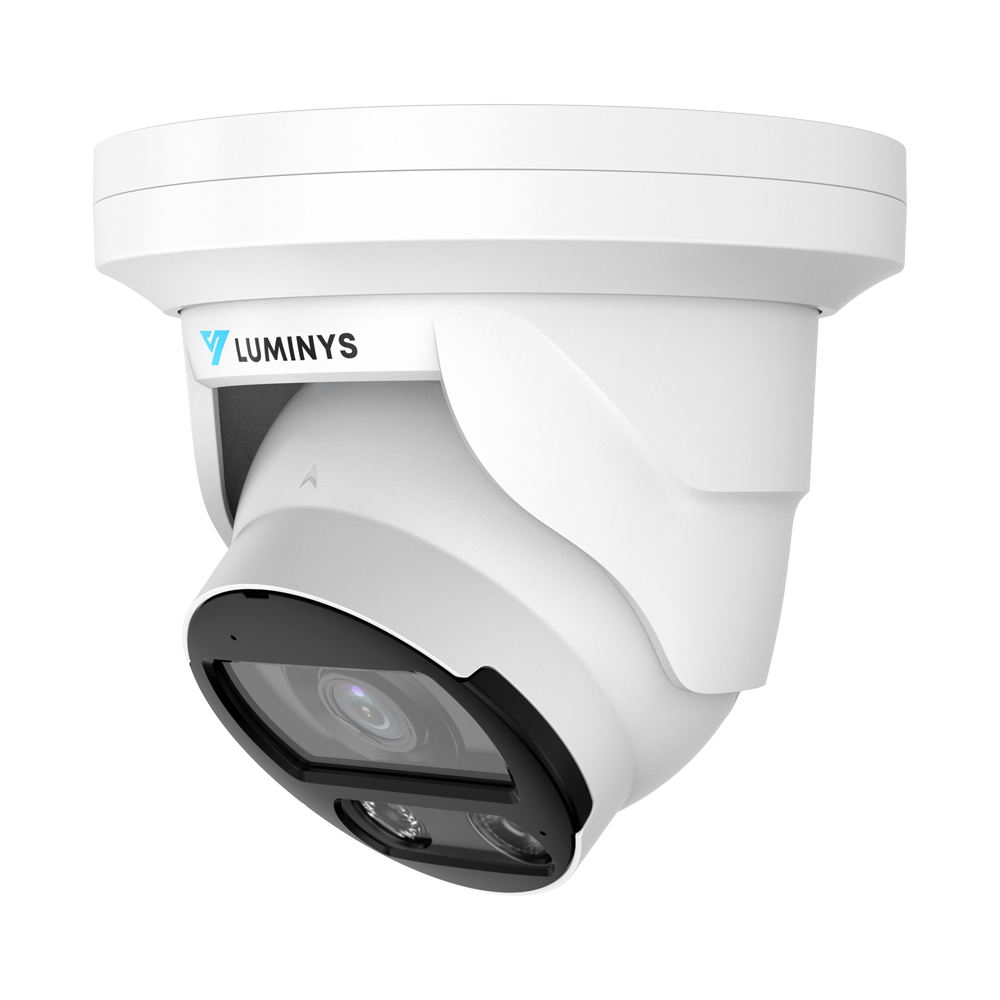
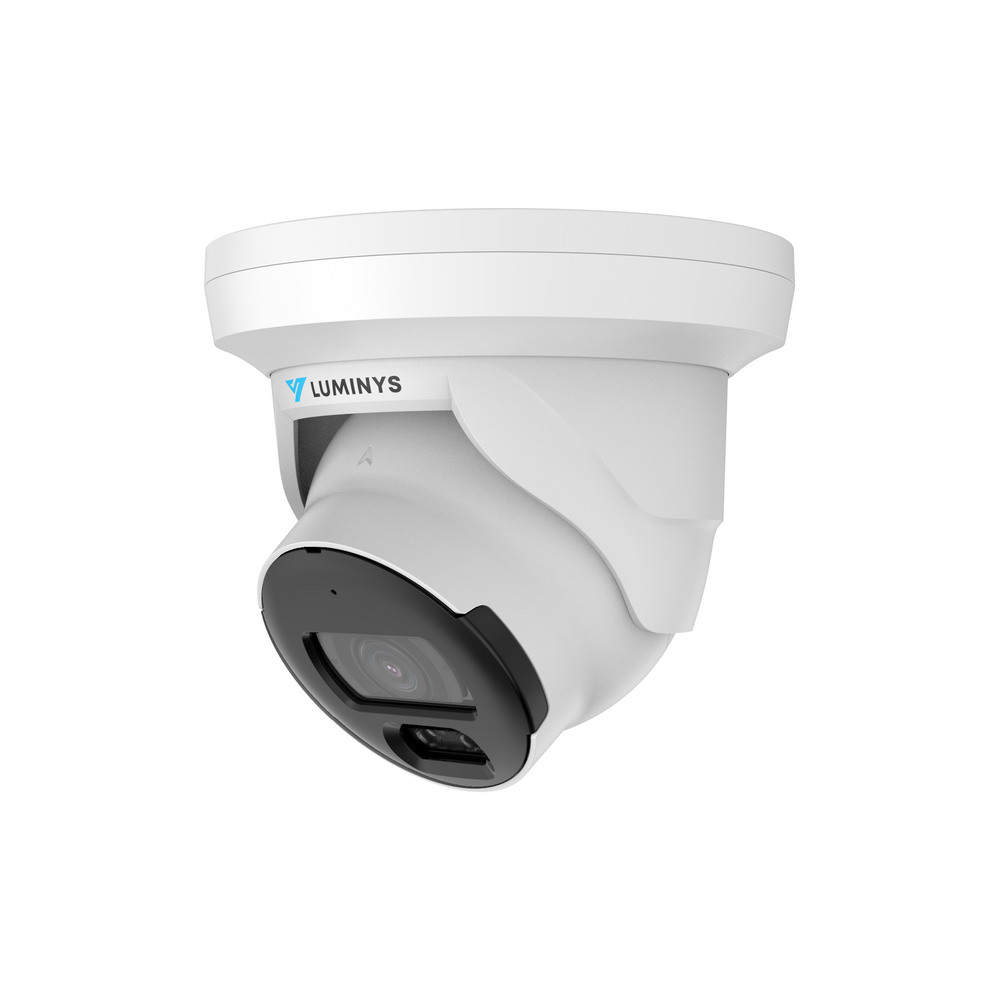
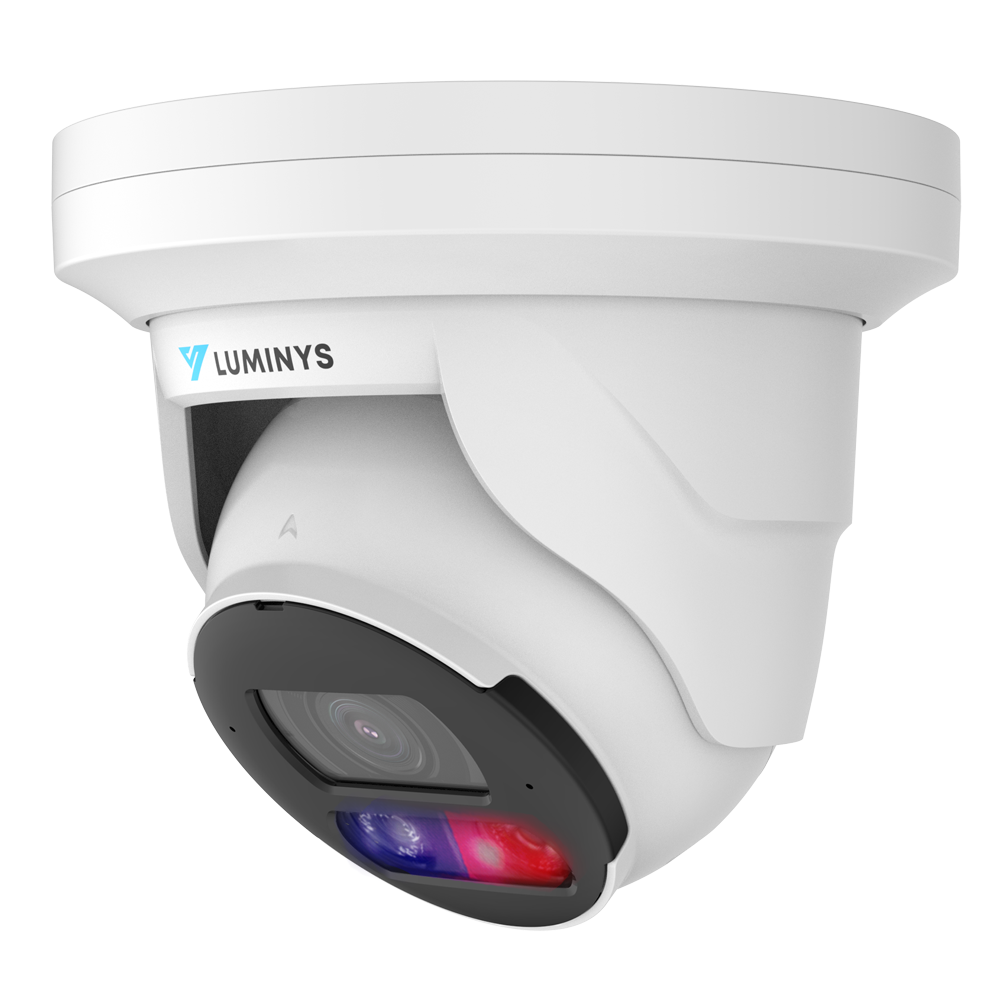
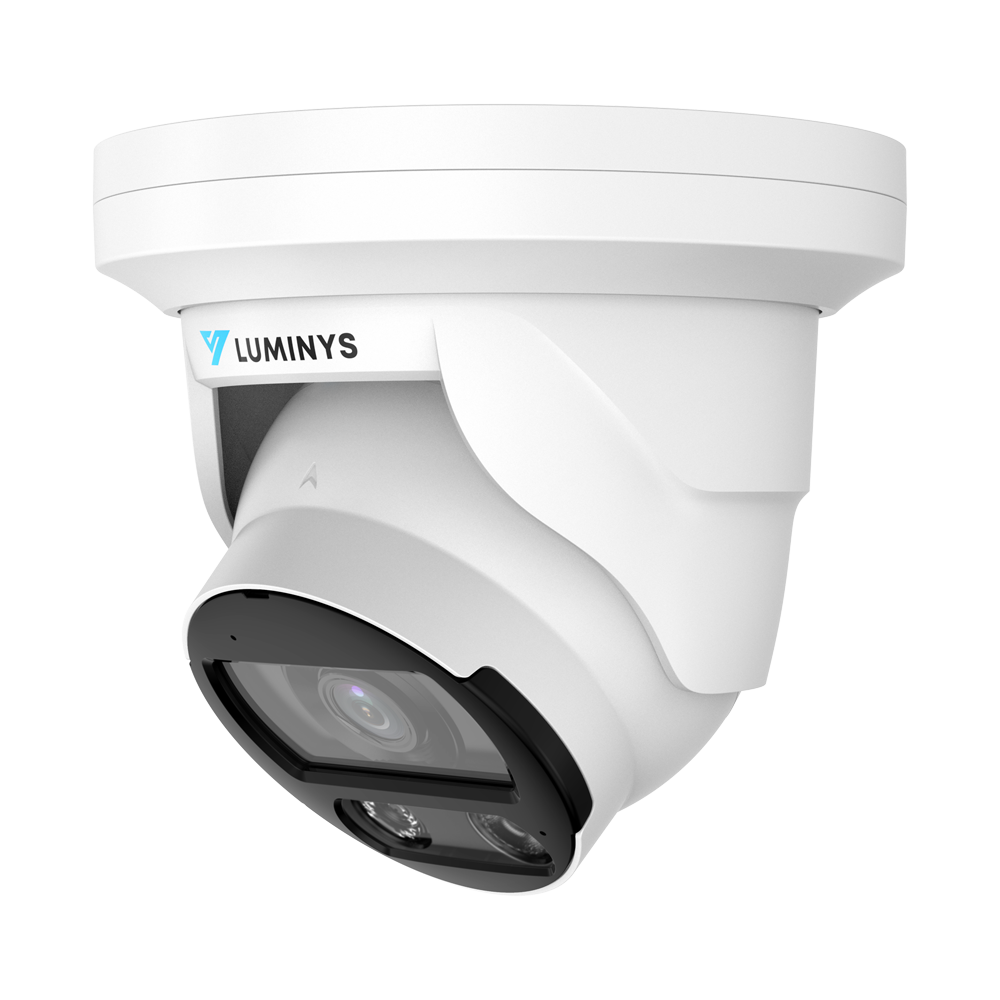
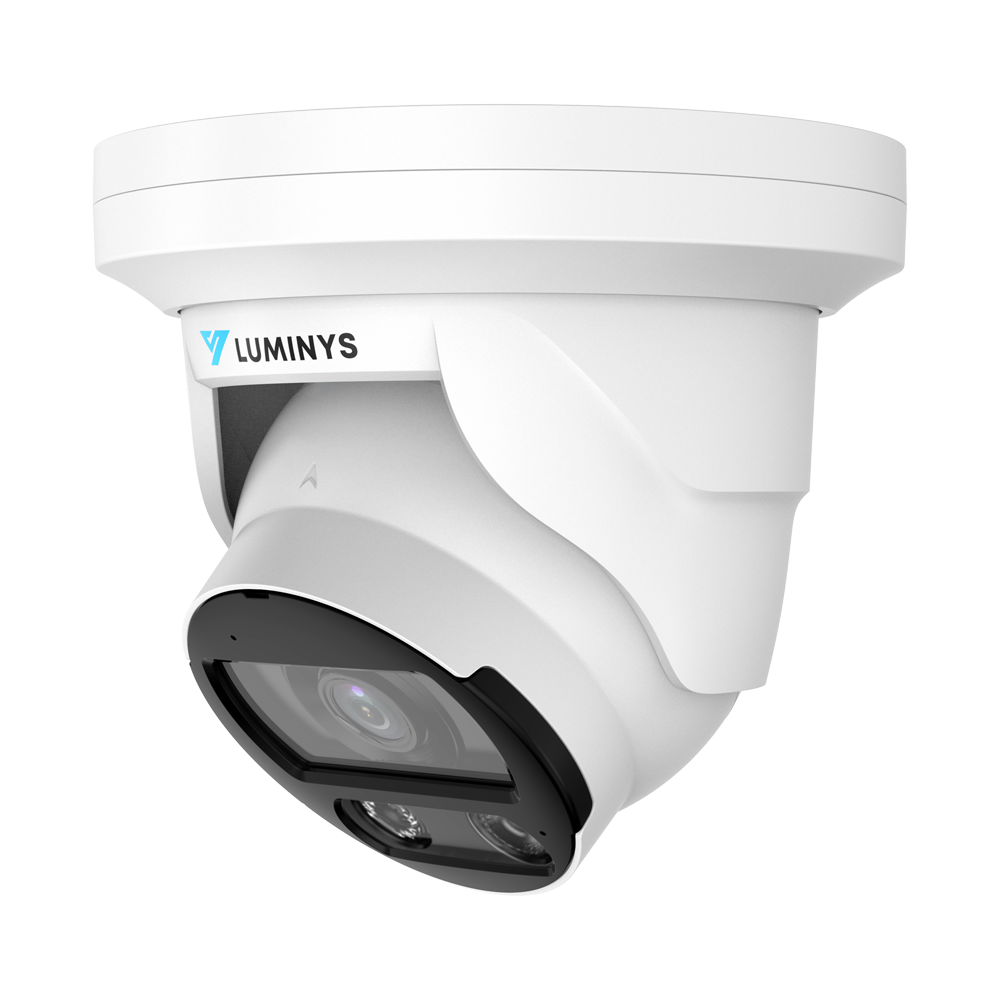
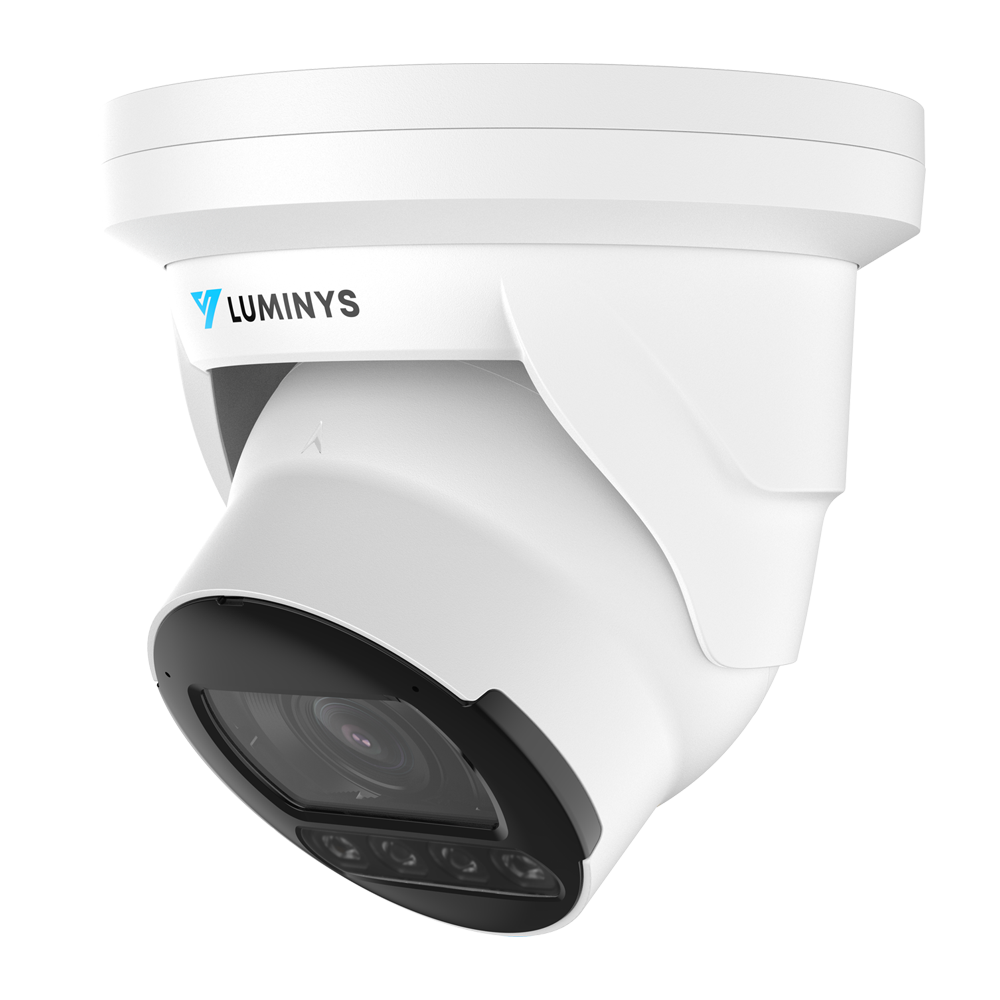
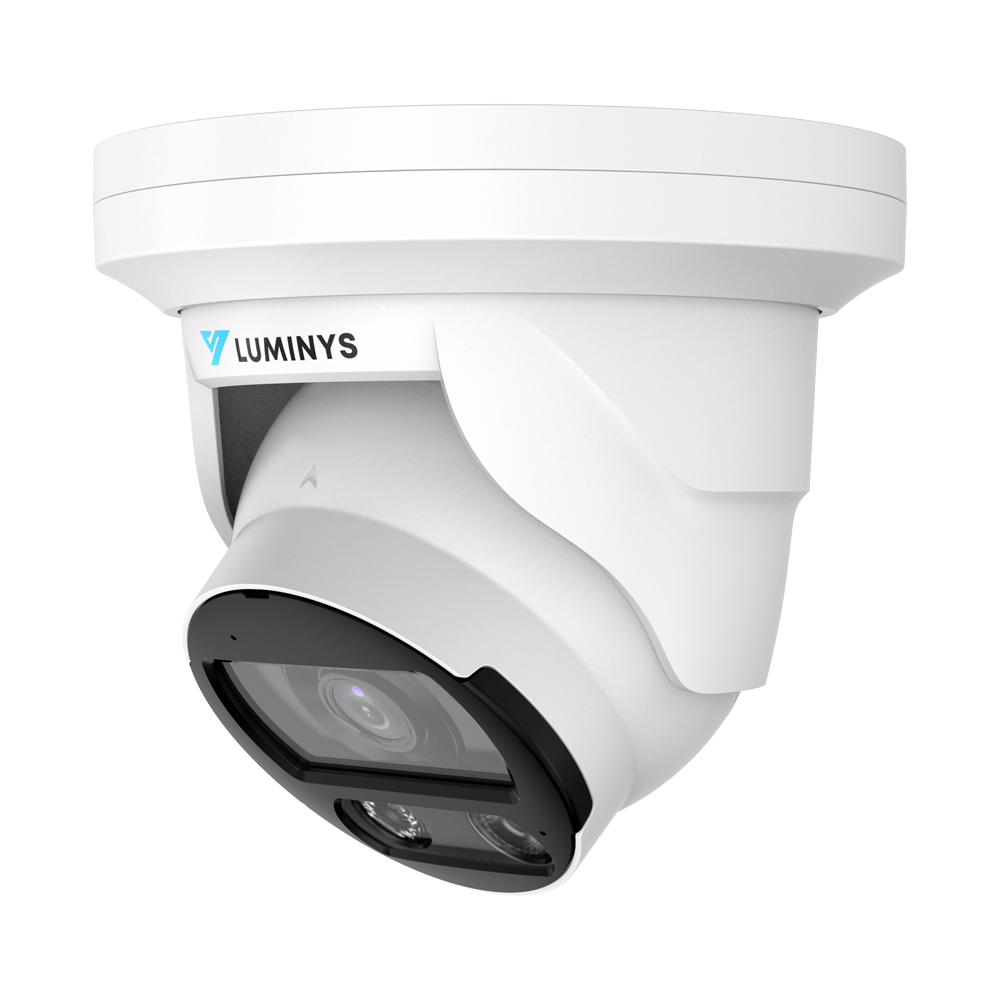
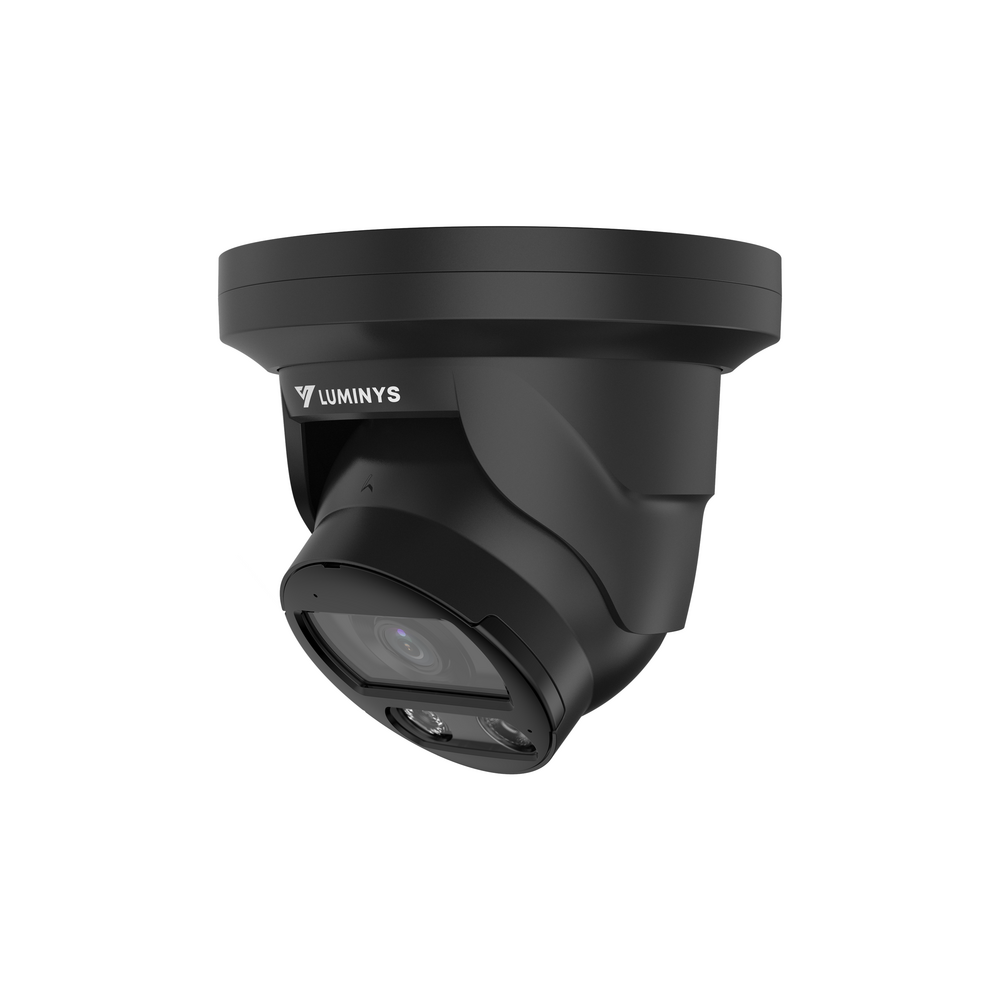
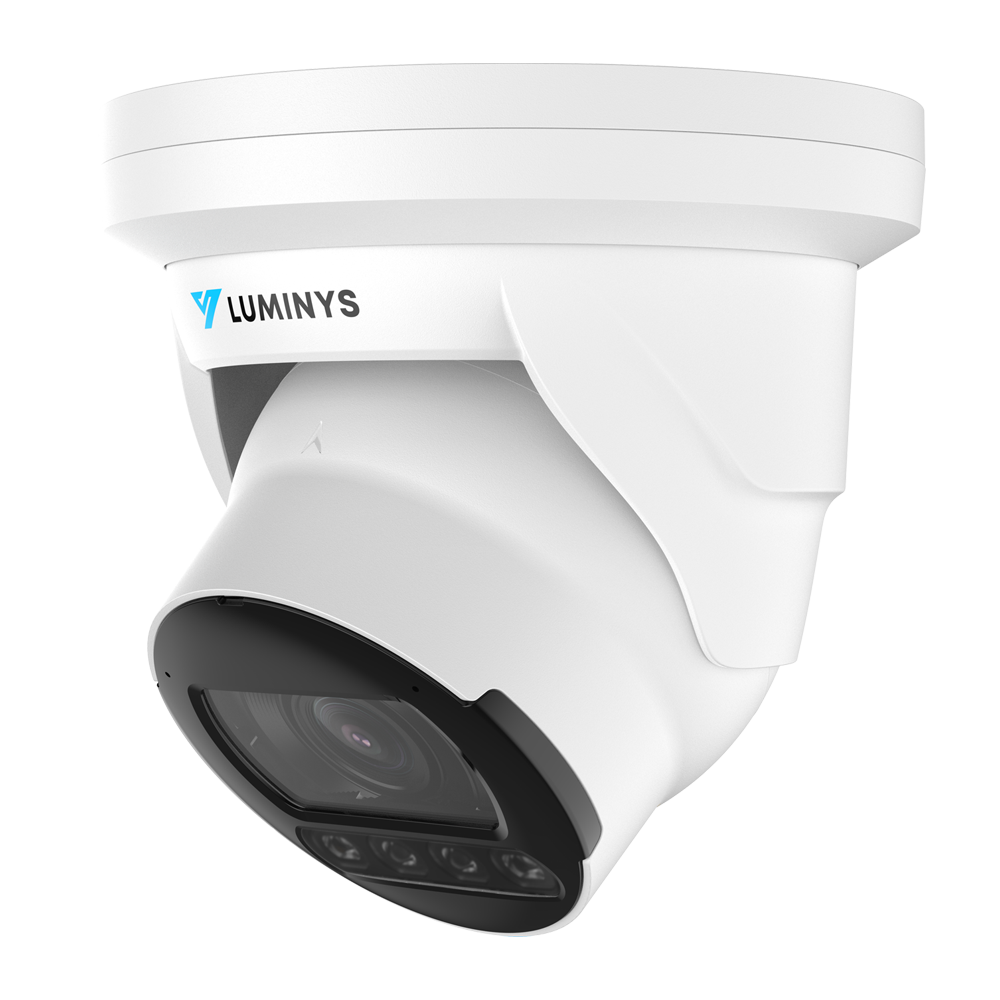
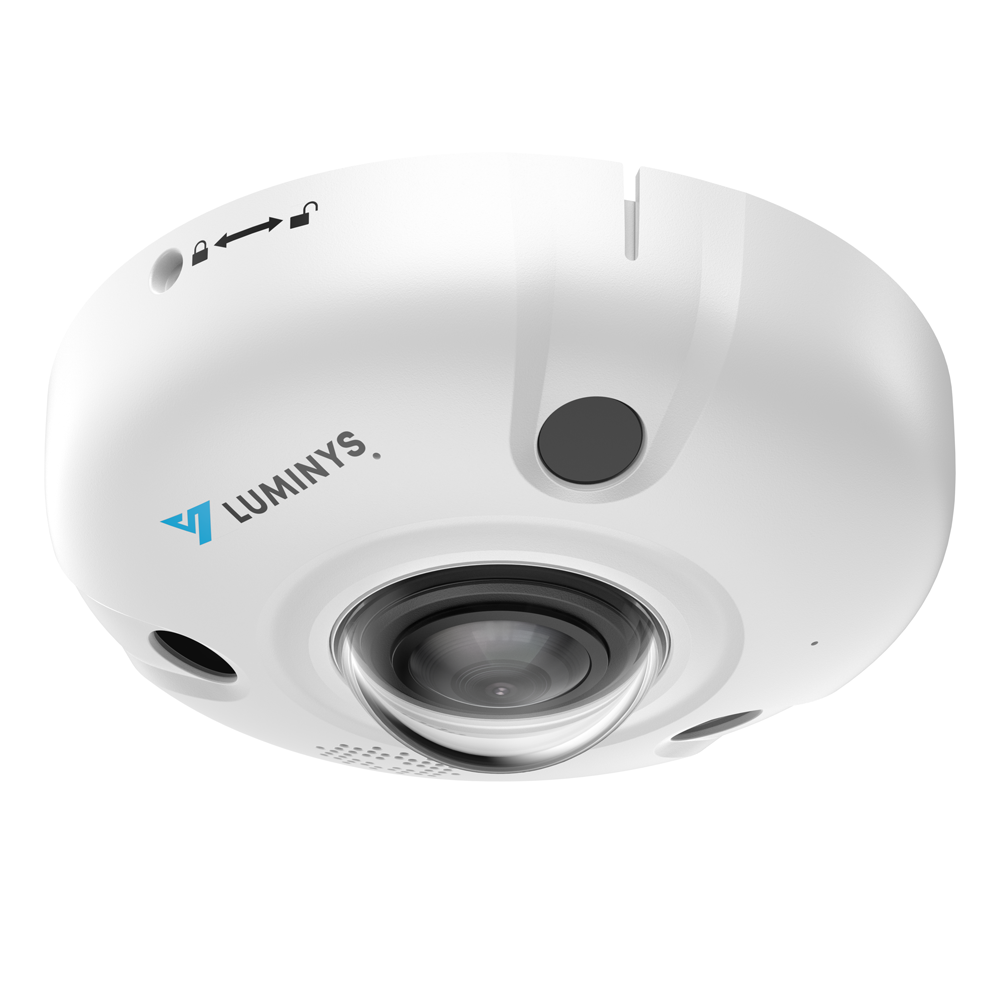
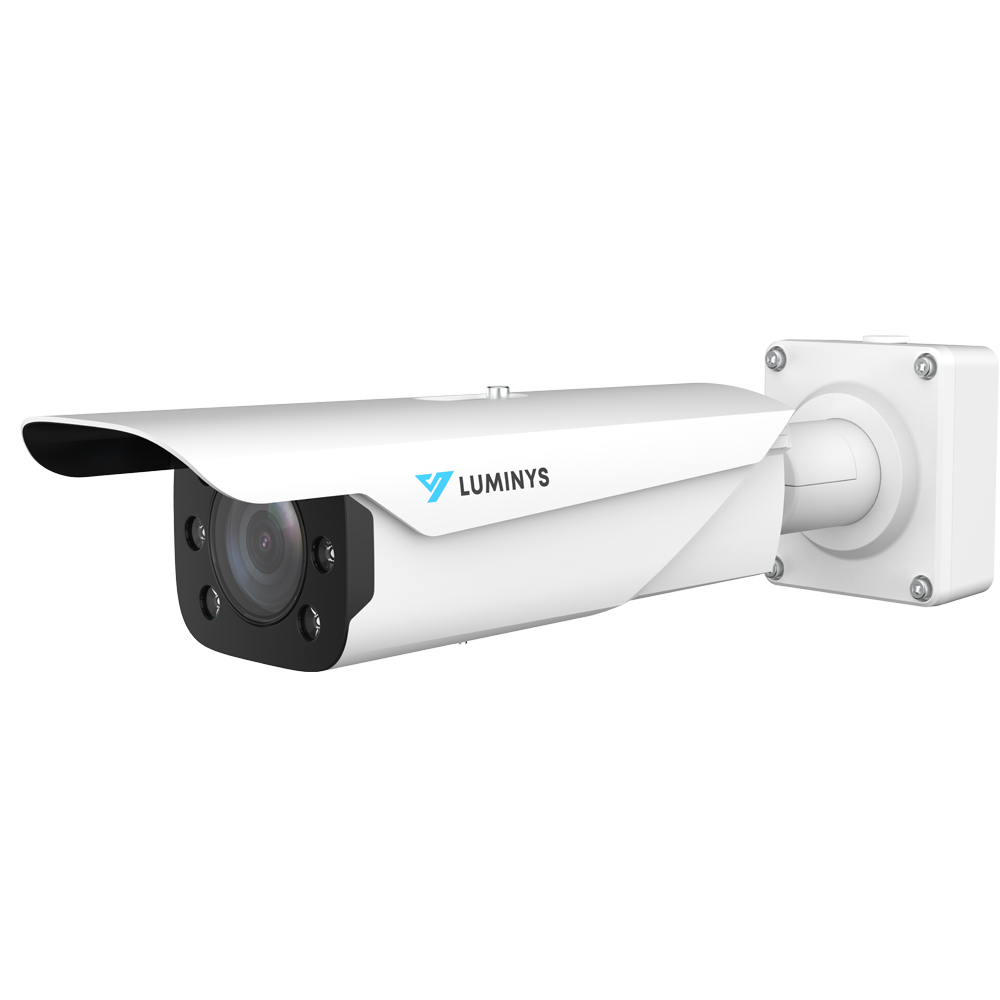
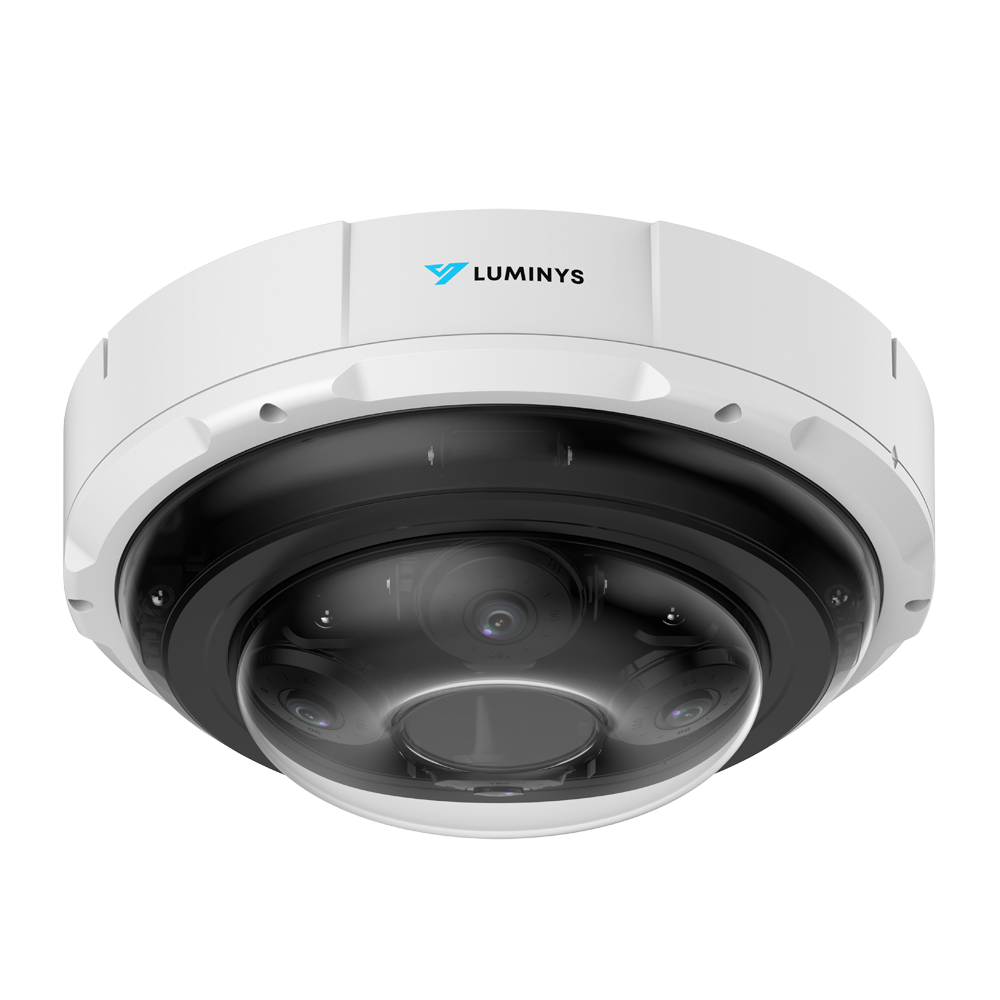
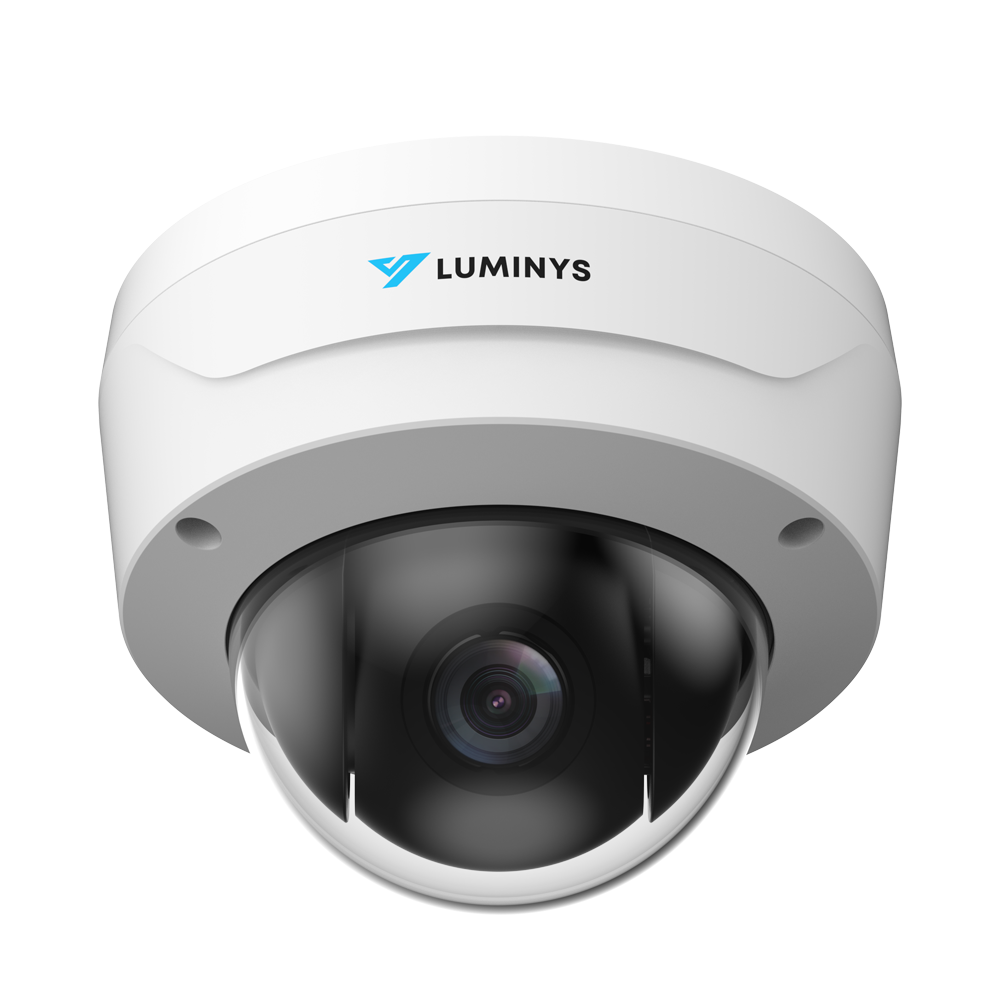
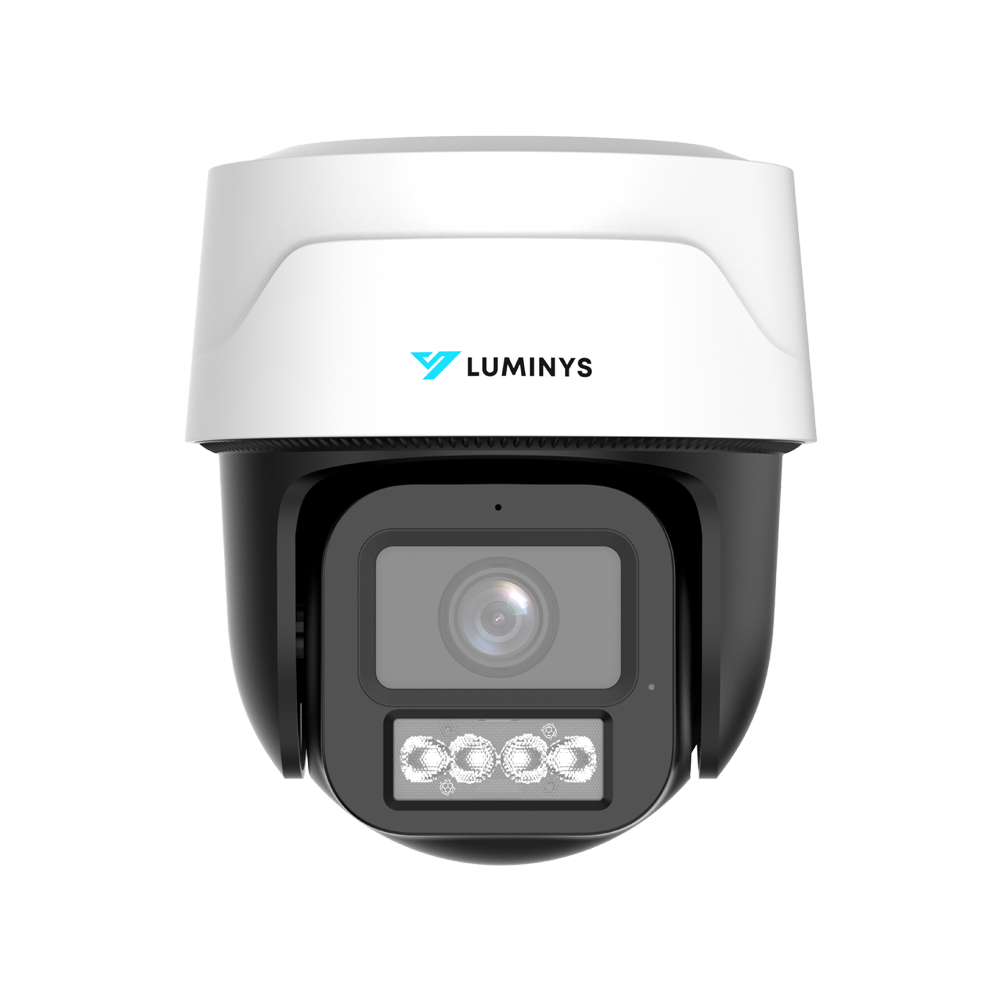
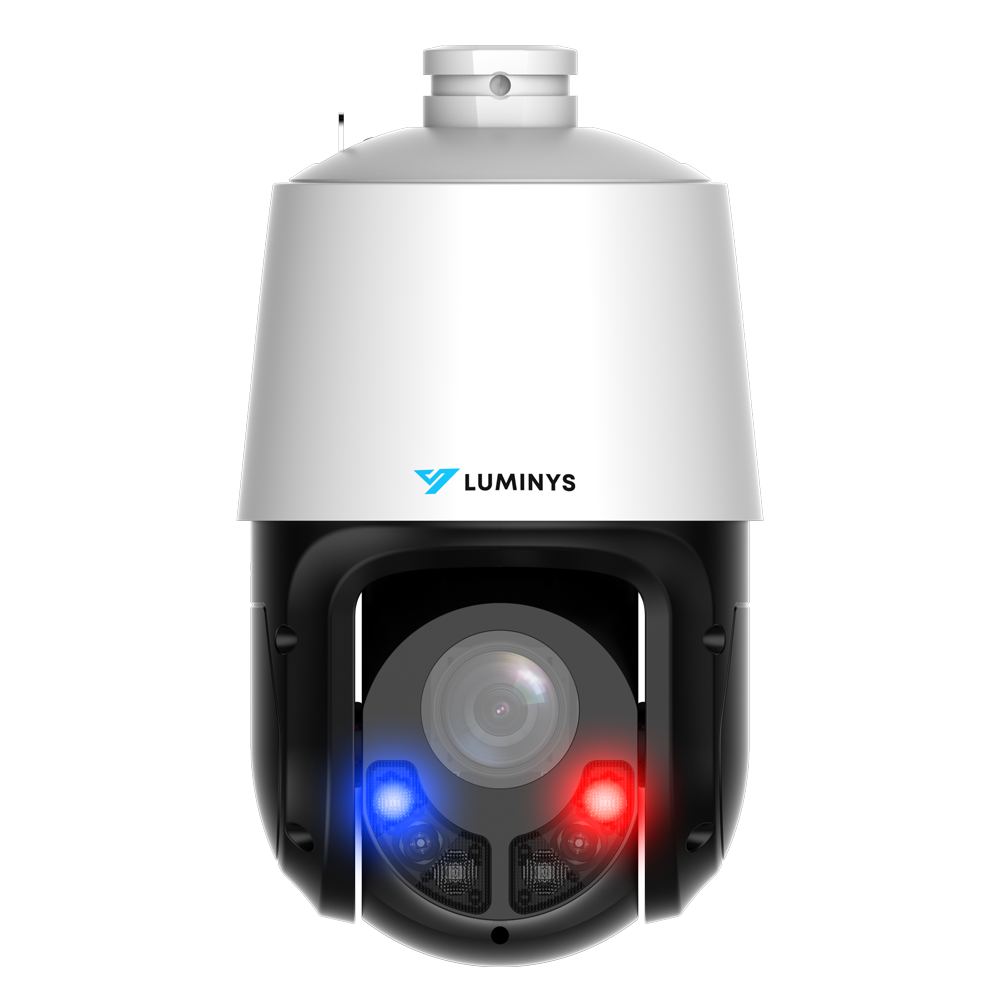
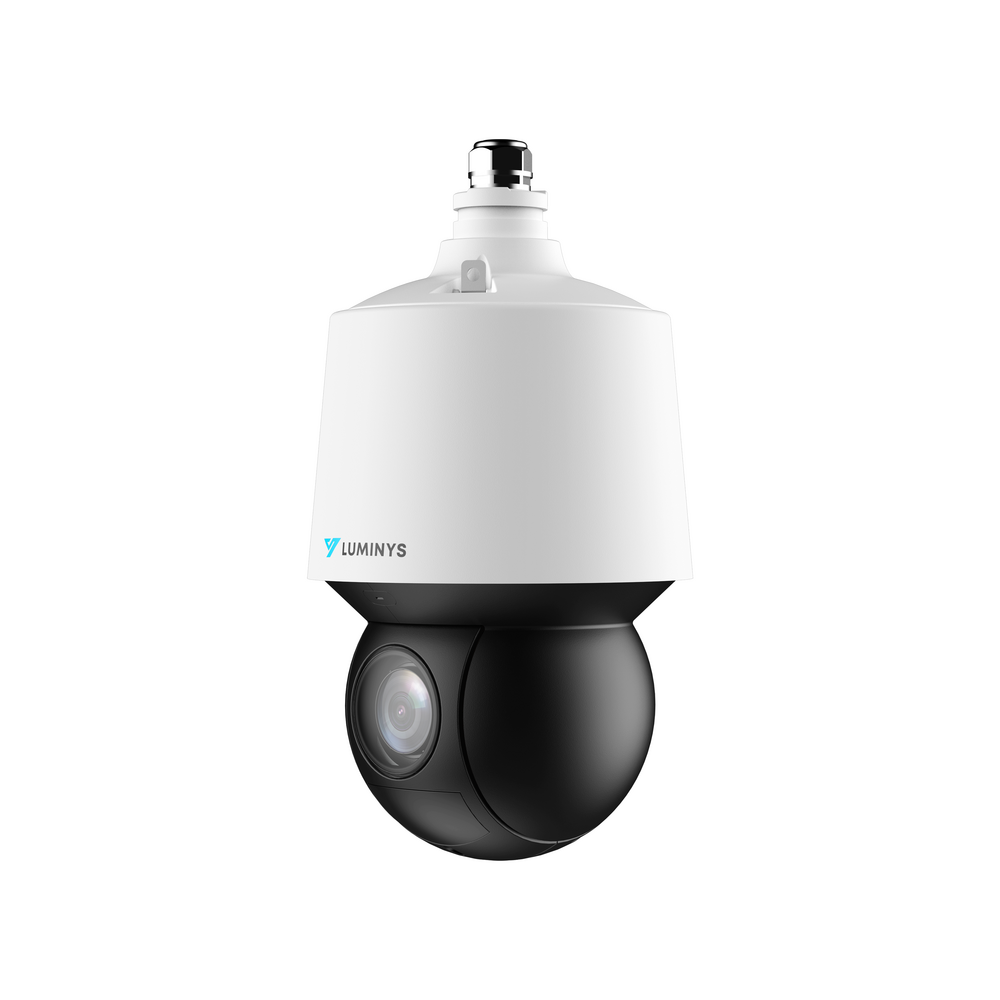
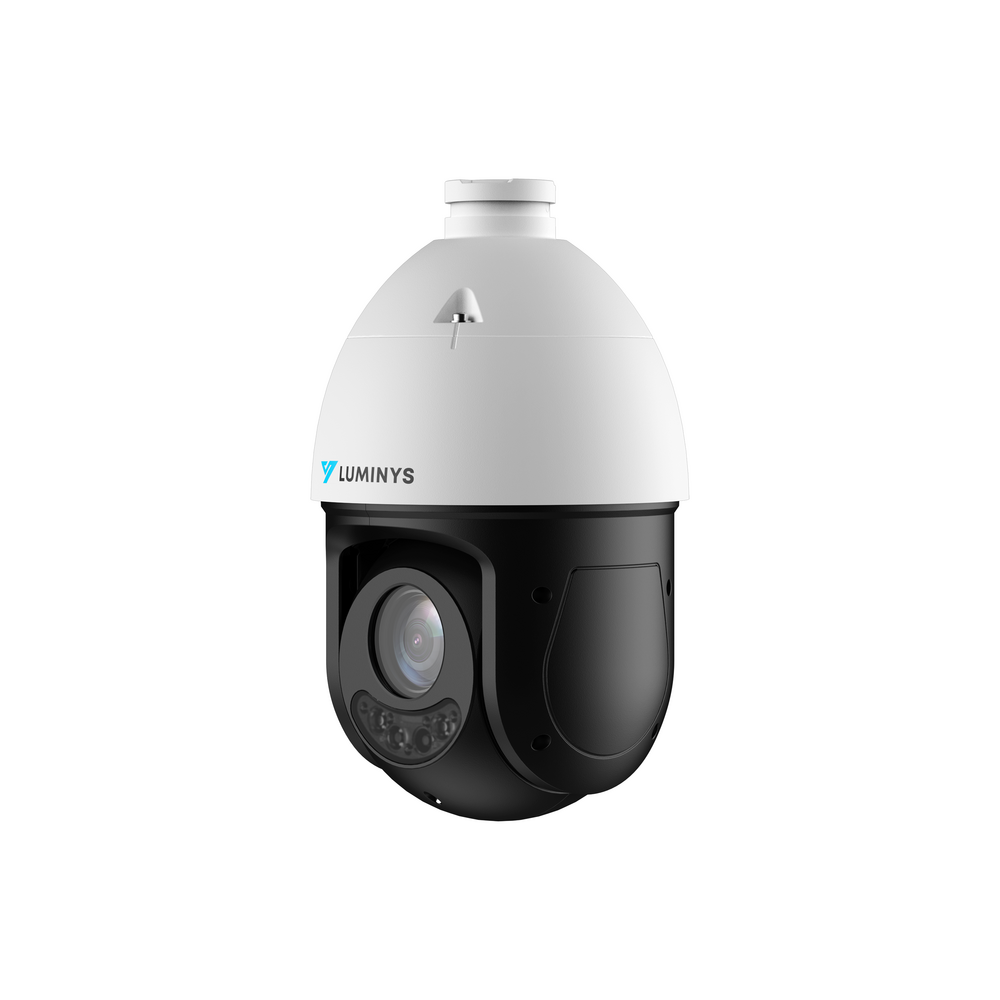
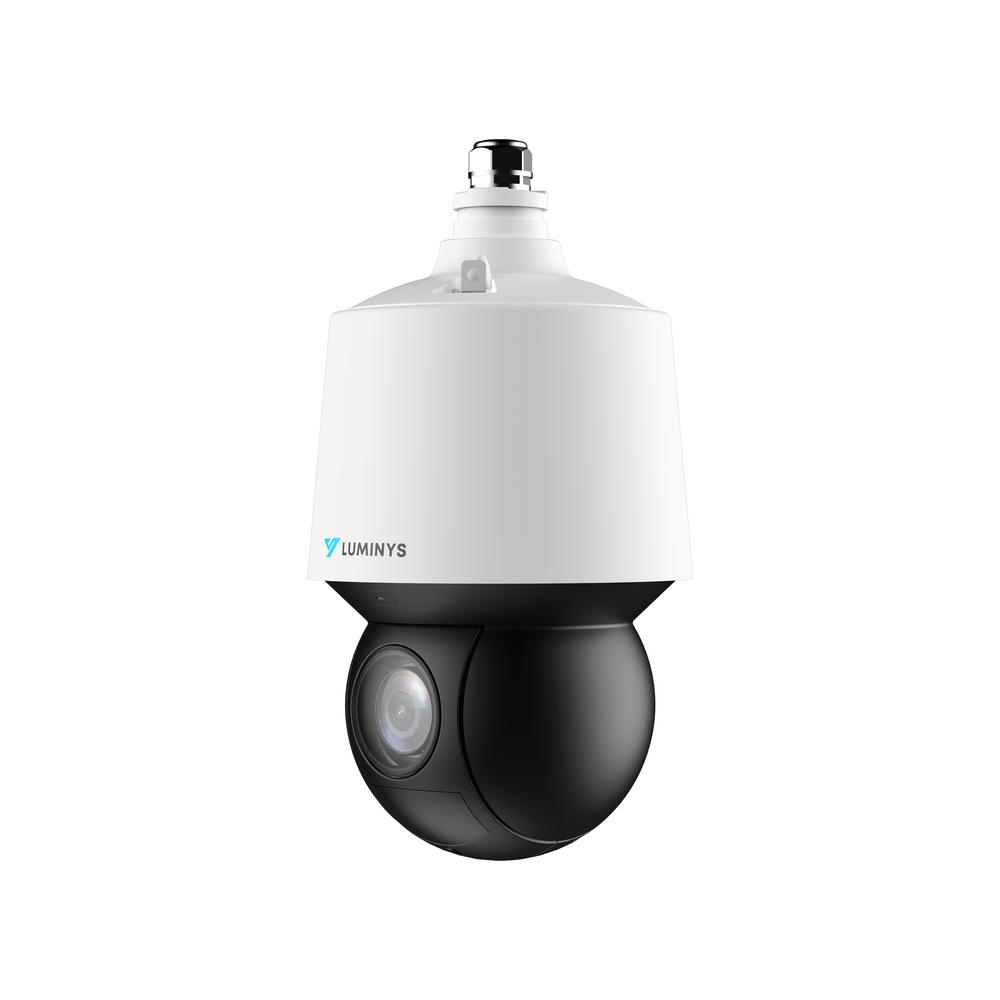
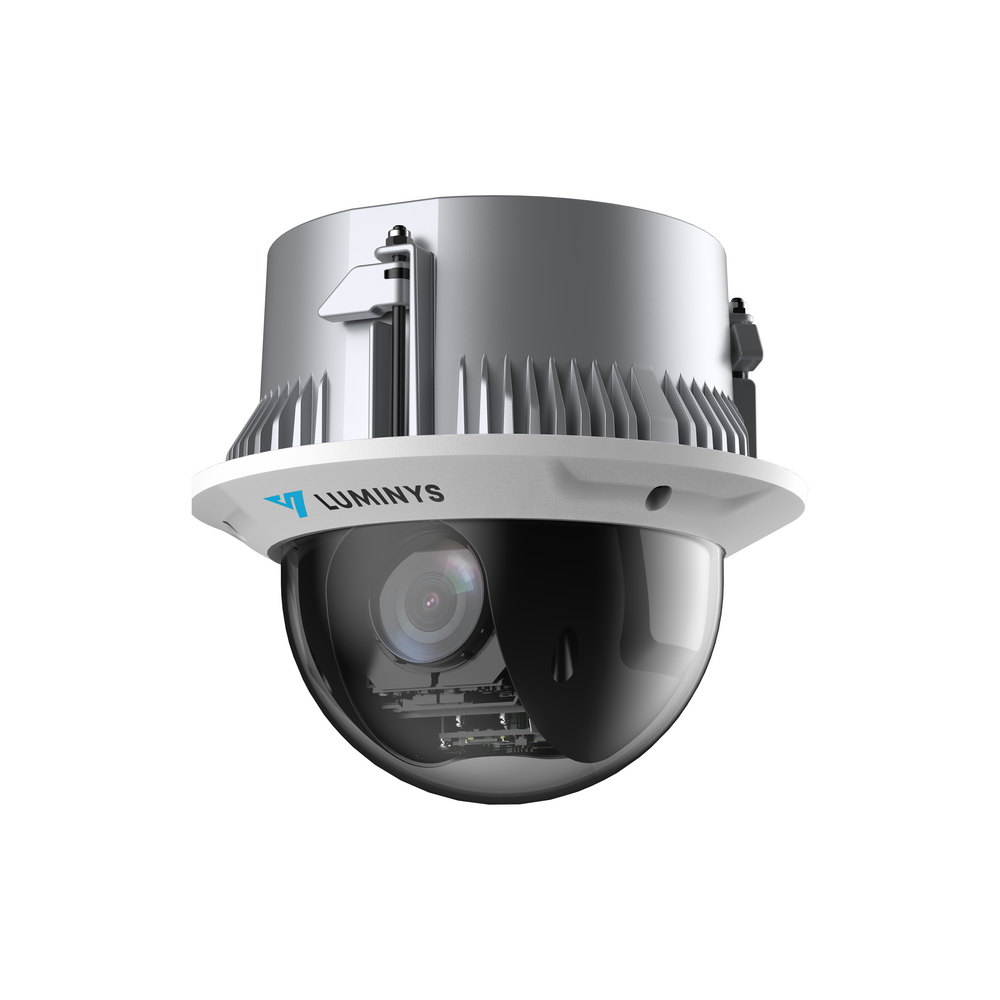
Turret cameras are versatile for entrances and general interior or exterior coverage. Varifocal cameras help tighten uncertain or longer views during commissioning. Dedicated license-plate or specialty cameras should be used where an ordinary overview camera cannot provide the required evidence.
- Check the darkest real conditions, not only daytime sample images.
- Keep faces and other targets large enough in the recorded view.
- Confirm weather, vandal, mounting, and junction-box requirements.
- Use published person, vehicle, intrusion, or search analytics only where the selected camera and recorder support them.
Plan the NVR, storage, and system ownership
Select one recorder channel per camera plus sensible expansion room. Storage retention varies with camera count, scene activity, recording mode, resolution, frame rate, and compression, so verify actual retention after the system is operating.
Document the administrator account, authorized users, recording schedule, time settings, export process, alert recipients, and account recovery method. A system is not operationally complete until staff can retrieve useful video.
Make the system usable after installation
Remote programming and owner training reduce the chance that a correctly installed system is left with poor recording schedules, alerts, user permissions, or mobile access. Customers can install the hardware, get the supported recorder online, and add $100 remote programming or a separate $100 live training session.
Frequently asked questions
How many security cameras does a small business need?
Many small businesses begin with eight to sixteen views, but the correct count comes from entrances, transactions, inventory, rear doors, loading areas, parking, and other evidence goals—not square footage alone.
Are wired cameras better than Wi-Fi cameras for a business?
Wired PoE cameras are a strong professional choice because one dedicated cable can carry power and data, recording can remain local to the NVR, and the system is less dependent on wireless coverage. The best choice still depends on the building and installation constraints.
What camera resolution is best for a small business?
4MP and 5MP cameras suit many general business views, while 8MP cameras can preserve more detail in entrances, counters, or wide scenes. Lens choice, lighting, distance, mounting height, and motion are just as important as resolution.
Can we install the equipment and have Elite configure it?
Yes. After the physical installation is complete and the supported recorder is online, Elite offers optional remote programming for $100 and a separate $100 live training session.